 View full size ↗
The everyday problem
An online catalogue is easier to maintain when the first version contains a manageable set of well-described products. A huge list with unclear pack sizes and inconsistent images can make browsing harder even if the underlying stock records are extensive.
A workable process
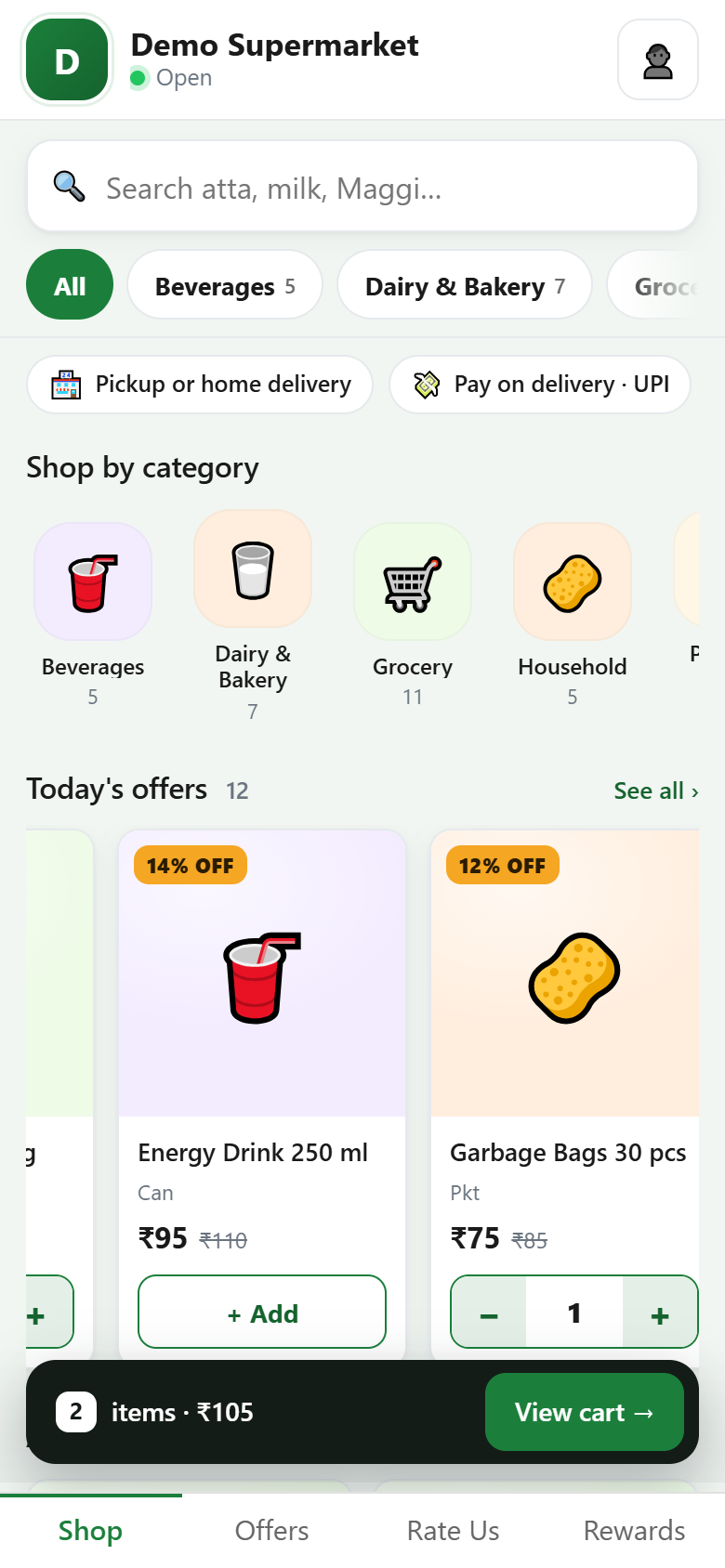
Choose a representative group and review names, units, variants and photographs. Check the storefront on a phone, where truncated titles and small images are most noticeable. Place an order for a product that has more than one similar option.
A practical example
A grocery store might begin with its regular household products. An image of a large pack paired with a small-pack description can confuse customers, so check the image and text together. Do not treat an attractive picture as a substitute for accurate product information.
Before you finish
Confirm how catalogue changes reach the storefront in your setup. Expand after the team can maintain information and handle incoming requests consistently, with a named person responsible for corrections.
Try this check with your team
Start with a small approved selection containing clear images, selling units and useful descriptions. Open it on a phone, find a variant and place a trial order. Ask someone unfamiliar with internal item abbreviations to explain what they think they are buying.
What the result tells you
If the product or pack is unclear, improve the public description before adding more items. A manageable catalogue with correct information and a responsive fulfilment process is more useful than a large list that customers cannot confidently order from.
See this workflow in Speed Plus.
Bring a sample transaction and your questions to a product demo.
Book a free demo ↗