Show the product your customer will actually receive.
Add product photos, review suggested matches and check the pack or variant before showing it in your online store.
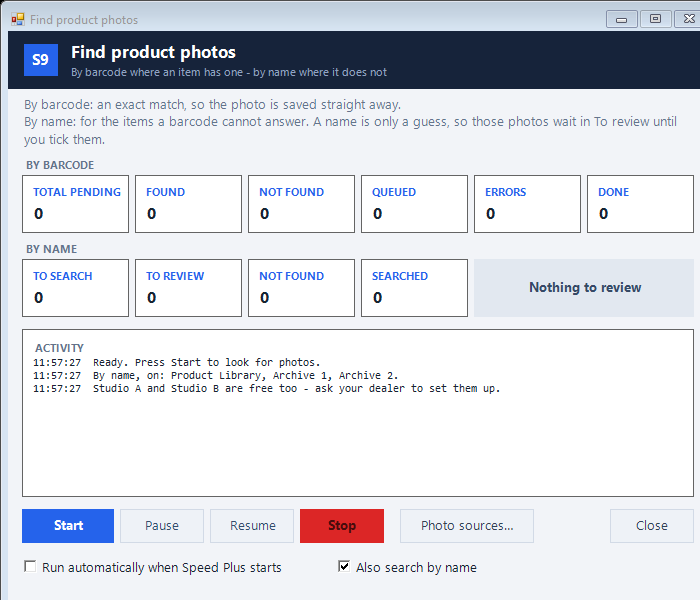
Find items with missing photos
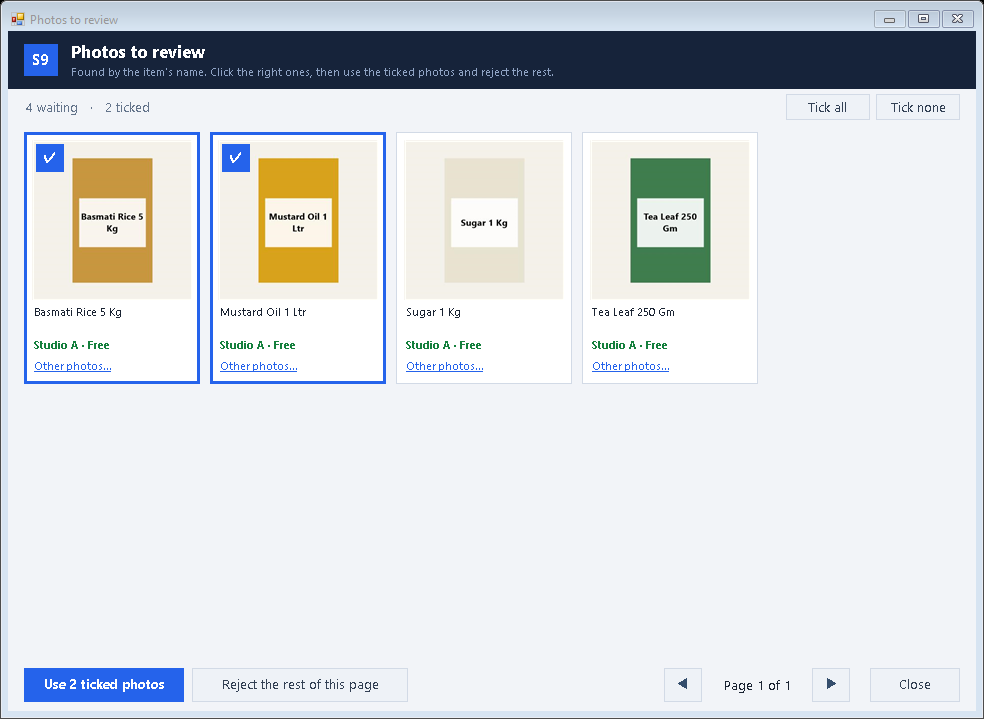
Review the suggested product, pack and variant
Approve the correct pictures and check the customer page
See the screens behind the workflow.
Real screens from the Speed Plus 9 manual. Open any image to inspect the details.
 View full size ↗
02Find photos, then review the matches+
 View full size ↗
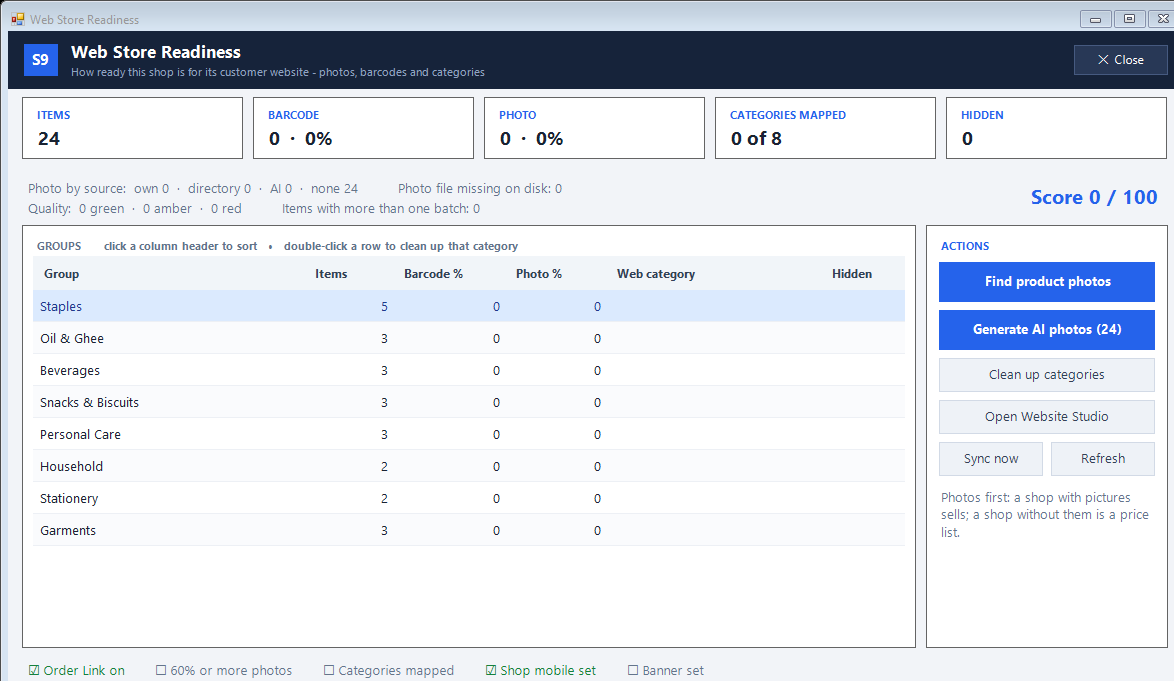
03Check catalogue readiness before sharing+
 View full size ↗
What to check on screen
Follow the steps in the matching product screen. Use photos you are entitled to display. Check medicine strength and pack carefully. A generated or suggested picture still needs a human review.
Show the product your customer will actually receive.
Use your own item photo or the supported photo-search tools. Barcode matching and name matching are different: a name can suggest the wrong pack, brand or size. Open Photos to review and approve the pictures that match the items you sell.
For eligible items without a barcode or existing photo, the documented AI photo option can prepare an illustration. Review the result before using it. It is not offered for pharmacy trades, and generation uses the shop’s configured paid account. A readiness score helps find missing work but cannot judge whether every picture is correct.
How to use it.
Show the product your customer will actually receive.
- 01
Find items with missing photos
- 02
Review the suggested product, pack and variant
- 03
Approve the correct pictures and check the customer page
What this looks like in your business.
A 500 g pack and a 1 kg pack have similar names. Choose the photo for the pack actually listed, even if another picture looks more attractive.
See the workflow in action.
Wrong Product Photo? Review Before You Save | Speed Plus 9
SolverTeam tutorial for this topic. Screens and options can vary by installed version.
Open on YouTube ↗Good questions.
Clear answers.
Choose the workflow that fits your business and confirm its setup in a demonstration.
Are name-search photos saved without review?
No. The documented name-search results wait in Photos to review. Approve the right matches before using them.
What setup should I confirm?
Use photos you are entitled to display. Check medicine strength and pack carefully. A generated or suggested picture still needs a human review.
What else can help?
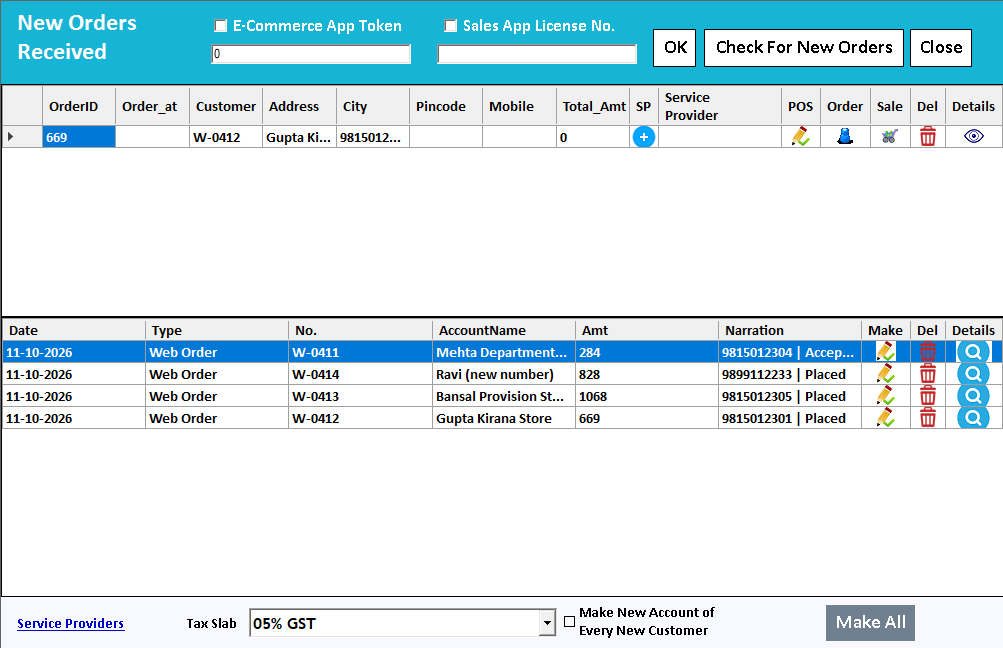
Farata mobile orders
Collect the order where the conversation happens.
Read the guide →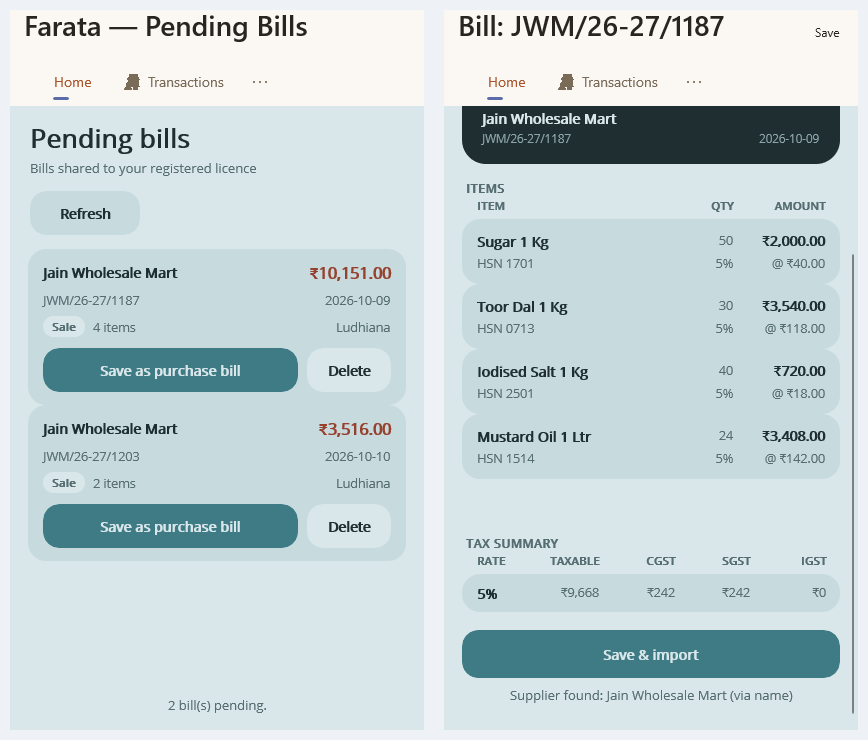
Farata bills and stock sync
Keep received bills close to the mobile workflow.
Read the guide →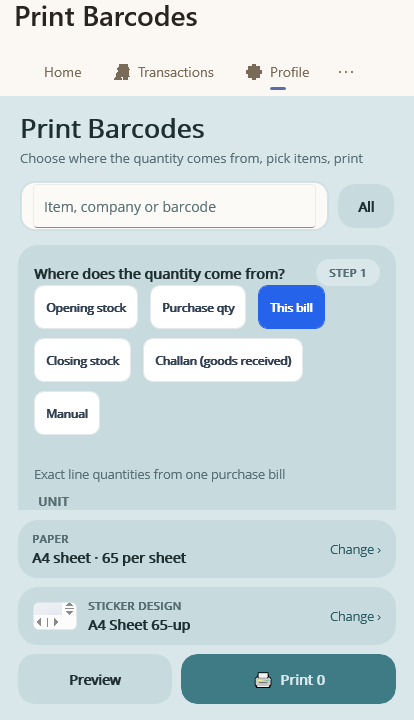
Farata mobile print and share
Share a mobile document with a clear purpose.
Read the guide →See it with a sample from your business.
Bring a sample bill or item list. We’ll show you the steps and answer your questions.