 View full size ↗
The everyday problem
Two deliveries of the same item can have different batch information. Treating them as one undifferentiated quantity can make it harder to trace a receipt, review a supplier query or identify the stock selected for a sale.
A workable process
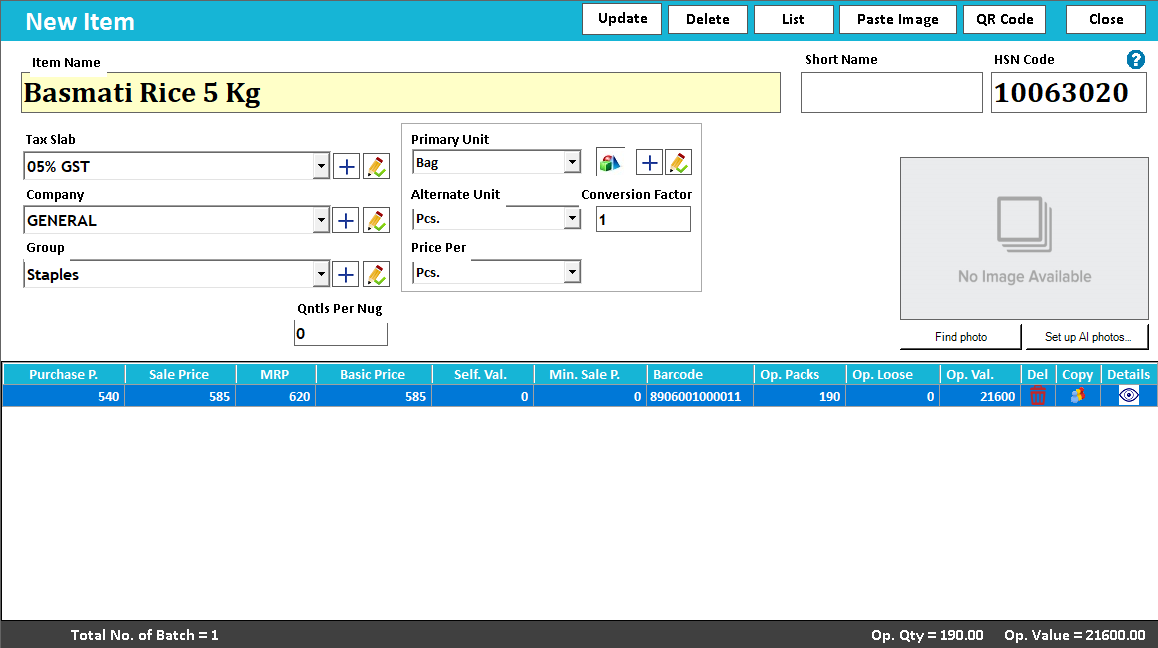
During setup, demonstrate a product received in two batches. Review which fields are captured, how the available quantities are displayed and how staff select the relevant batch in the supported workflow. Make the physical storage labels agree with the terminology used on screen.
A practical example
If batch A arrived last week and batch B arrived today, staff should be able to explain which quantity belongs to each delivery. A purchase entered against the wrong batch can leave the overall item total correct while the batch-level record is misleading.
Before you finish
Check batch references on entry, lookup and the relevant report. Use a clear correction procedure for mistakes, and confirm that the selected edition supports the batch workflow your business needs.
Try this check with your team
Receive an illustrative 10 units in Batch A and 15 in Batch B, then follow a sale of 4 from Batch A. Before other movements, the expected balances are 6 and 15. Inspect both the total and the batch breakdown.
What the result tells you
A total of 21 is necessary but not sufficient. If the batches show 10 and 11, the outward quantity went against the wrong batch. Correct the source allocation through the agreed procedure rather than accepting the total alone.
See this workflow in Speed Plus.
Bring a sample transaction and your questions to a product demo.
Book a free demo ↗