 View full size ↗
The everyday problem
Closing the counter is a chance to catch unfinished or unusual work before the next shift begins. The review should connect recorded sales, payment-method totals and known exceptions, with clear ownership for any mismatch.
A workable process
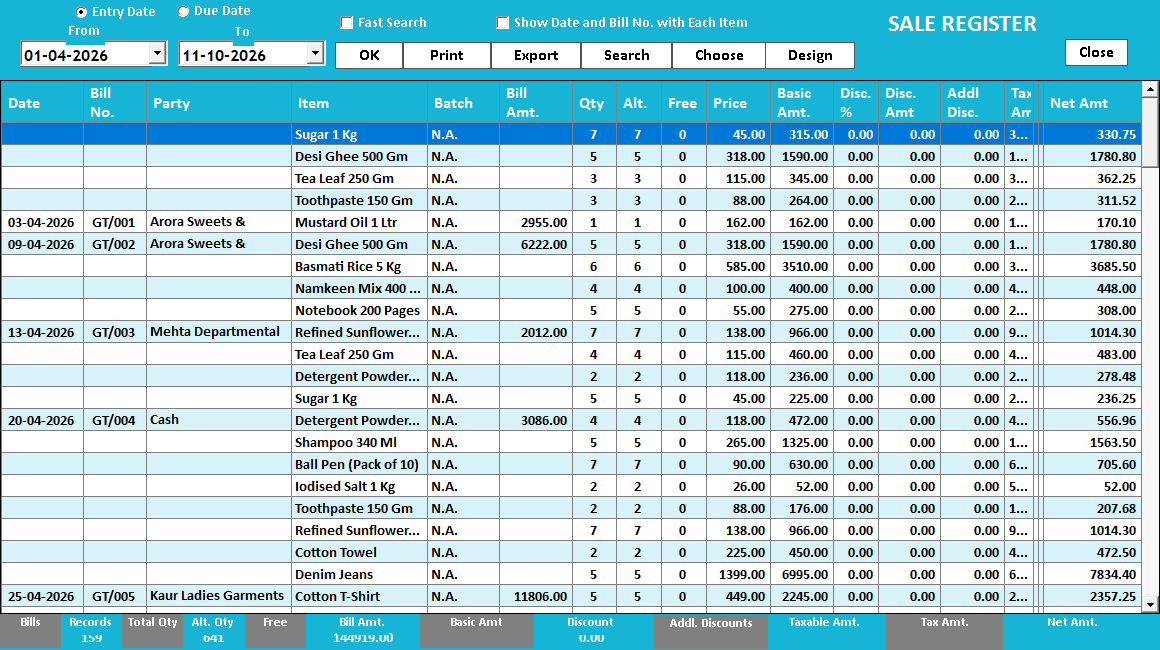
Use the reports and time period agreed for the shop. Review bill counts and totals alongside cancellations, returns or corrections handled during the shift. Compare collections using the business's reconciliation procedure and write down unresolved differences rather than silently changing records to make totals match.
A practical example
If one cashier records a collection under cash when the customer used a digital method, the overall sale total may still look correct. Reviewing the method breakdown exposes the difference and provides a specific transaction to investigate.
Before you finish
Keep a short handover note containing the affected bill references, explanation and next owner. Avoid making an unexplained opening adjustment tomorrow to hide an unresolved issue from today.
Try this check with your team
Select the closing period and inspect a known cash bill, a digital-payment bill and any held or pending work. Compare the actual cash count with the cash movement record, including the opening amount and other cash entries. Note unresolved references individually.
What the result tells you
A difference should lead to a specific investigation: wrong payment method, missing receipt, duplicate bill or timing issue. An unexplained balancing entry may make today look tidy while leaving tomorrow’s opening and customer history wrong.
See this workflow in Speed Plus.
Bring a sample transaction and your questions to a product demo.
Book a free demo ↗