 View full size ↗
The everyday problem
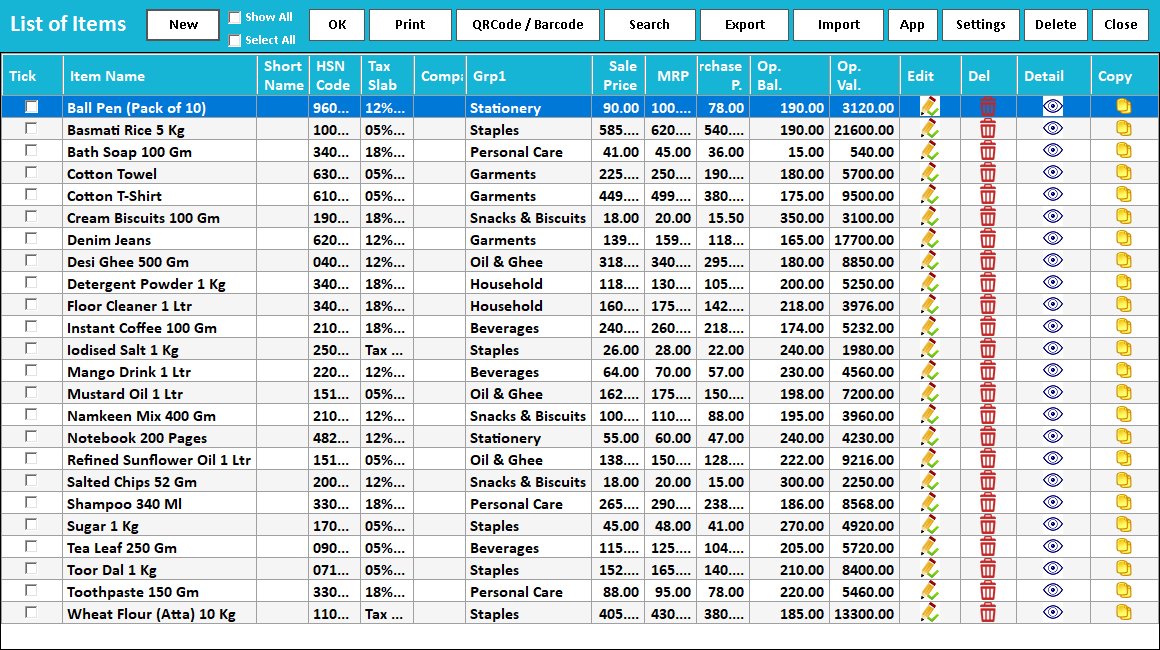
Similar names are a common source of counter errors: two package sizes, two strengths or two flavours can appear next to each other. Item search is easier when the distinguishing detail is visible before the cashier selects the row.
A workable process
Review a handful of frequently confused products and give their descriptions a consistent order, such as brand, product, variant and pack size. Check how many characters the actual search screen displays. Use barcode identification where available, but still verify the chosen description and unit.
A practical example
A shelf may hold Classic Tea 250 g and Classic Tea 500 g. If the distinguishing size is hidden at the end of a truncated description, staff may choose by position. Shortening repeated wording can make the important difference visible without creating a new item.
Before you finish
Test the names on the billing screen and printed receipt. Keep one approved naming convention, and check existing stock and transaction history before merging or replacing item records.
Try this check with your team
Ask a cashier to select two similar products from search without prompting: for example, the same brand in 250 g and 500 g packs. Inspect the visible distinguishing text, selected unit and barcode mapping before completing an approved test bill.
What the result tells you
If staff repeatedly open the wrong record, improve the item naming convention or search identifiers. Relying on memory works poorly when a new employee starts or the catalogue expands with another nearly identical product.
See this workflow in Speed Plus.
Bring a sample transaction and your questions to a product demo.
Book a free demo ↗