 View full size ↗
The everyday problem
A branch needs more than a login. Its identity, users, stock workflow and configured payment accounts should be agreed before the first live bill. Collecting these details in advance makes the demonstration and installation more focused.
A workable process
Create a branch worksheet with the business information requested by the team. Identify each staff member and the permissions needed for their role. Review payment-method mapping and ask how branch information appears on bills and head-office records.
A practical example
Two branches may have similar display names but collect payments into different accounts. A test sale should show that the selected branch and its payment configuration are correct. Otherwise staff may bill successfully while the resulting records are difficult to interpret.
Before you finish
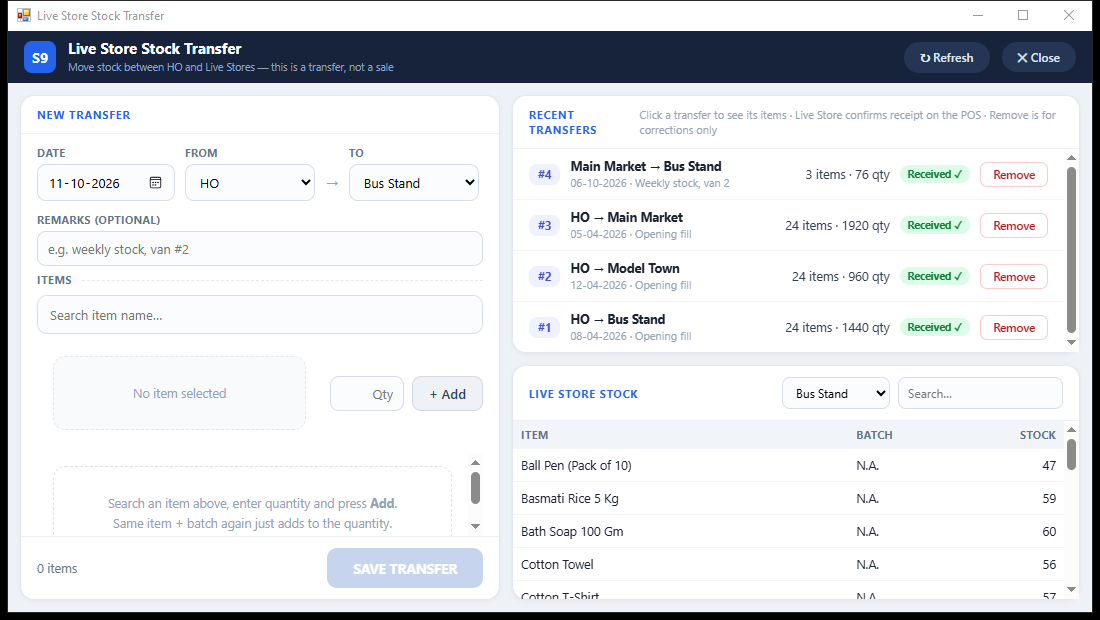
Complete a small transaction and verify its head-office acknowledgement and branch attribution. Confirm licensing and connection requirements for the actual installation instead of copying another branch's settings without review.
Try this check with your team
At a pilot branch, create one cash bill and one digital-payment bill through an approved trial. Check head-office acknowledgement, branch identity, item stock scope and the destination payment accounts. Repeat using the actual cashier login.
What the result tells you
A branch is ready when the resulting records are correctly attributed and pending requests have an owner. Copying a working login without reviewing branch mapping can produce valid-looking bills in the wrong reporting location.
See this workflow in Speed Plus.
Bring a sample transaction and your questions to a product demo.
Book a free demo ↗