 View full size ↗
The everyday problem
A scanner can identify an item quickly, but it cannot correct an incorrect item master. Before changing a busy counter to barcode billing, prepare a small set of products with different pack sizes and similar names. Include an item with a damaged label so the cashier also practises the exception.
A workable process
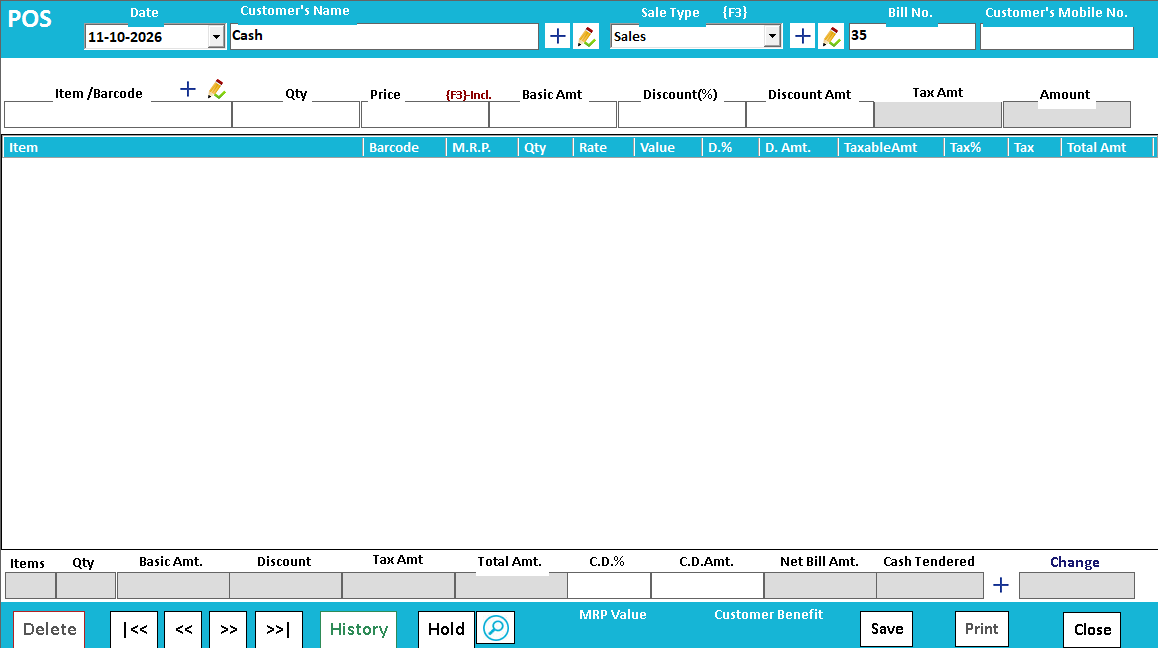
Start by scanning into a test sale and compare the selected description, unit and price with the physical product. Scan the same item twice to understand whether your configured screen combines quantities or adds another line. Demonstrate manual search as well, then cancel the test transaction through the approved process.
A practical example
Imagine a shop selling a single bottle and a six-bottle pack. If both labels point to the single-bottle record, scanning feels fast while the quantity is wrong. Correct the mapping before opening the counter, then repeat the test with the real scanner and printer.
Before you finish
Check pack identity, quantity behaviour, manual lookup and receipt readability. Train staff to stop when the screen and product disagree instead of overriding the description from memory.
Try this check with your team
Scan three products: a normal item, a different pack of a similar item and a product scanned twice. Check the selected unit, quantity and price after each action. Complete the exercise through an approved test procedure and inspect the receipt.
What the result tells you
If the scanner reads consistently but selects the wrong pack, investigate the code mapping. If it cannot read the label, investigate printing and scanner settings. Separating these causes prevents changing item data to compensate for a device problem.
See this workflow in Speed Plus.
Bring a sample transaction and your questions to a product demo.
Book a free demo ↗