Scan the label. Find the right item.
Use barcode lookup to bring a product into the billing workflow. Match each label to the correct item so the counter does not depend on remembering product names.
Label or scale code
Match the correct item
Quantity and price on the bill
See the screens behind the workflow.
Real screens from the Speed Plus 9 manual. Open any image to inspect the details.
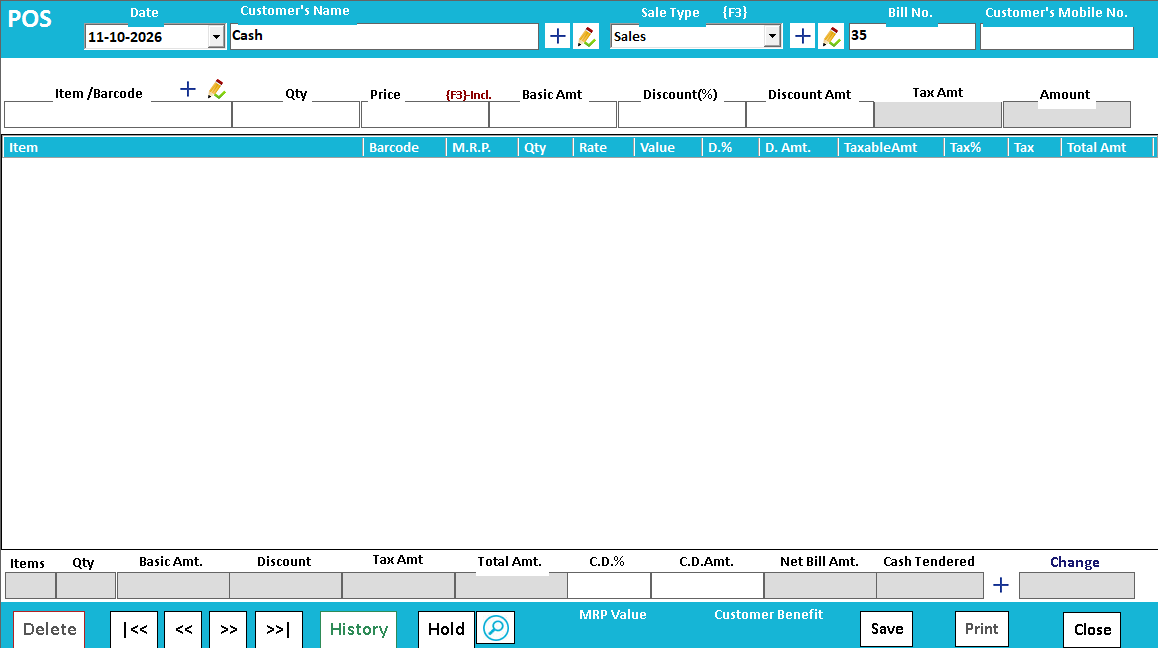 View full size ↗
The barcode identifies the item; the item record supplies the context.
A scanner typically enters a code into the billing screen. Speed Plus then uses the item mapping and configured billing information to select the product. A reliable scan therefore depends on both a readable label and a correct item or variant association.
Test a normal scan, repeated scan and quantity change before using the counter. If you use weighing-scale labels, confirm how the encoded weight or value is interpreted in your setup. That is a more specific workflow than scanning an ordinary fixed-product barcode.
How to use it.
Scan the label. Find the right item.
- 01
Assign or check the item barcode
- 02
Scan a sample label in the billing screen
- 03
Review the selected item, quantity and price
What this looks like in your business.
Two similar shampoo packs have different sizes. Scanning the correct label helps the cashier select the intended pack.
Good questions.
Clear answers.
Choose the workflow that fits your business and confirm its setup in a demonstration.
Will any barcode scanner work without configuration?
Many scanners behave like keyboard input, but the device mode, code format and billing field still matter. Test your exact scanner, labels and any weighing scale with the proposed installation.
What setup should I confirm?
A scanner reads the code; correct master data determines the item and rate. Test difficult labels before rollout.
Run a busy billing counter
From the item on the shelf to the receipt in the customer’s hand.
- 01Item master and searchRead guide →
- 02Barcode checkoutYou are here
- 03Regular POSRead guide →
- 04Split paymentsRead guide →
- 05Custom bill formatsRead guide →
What else can help?
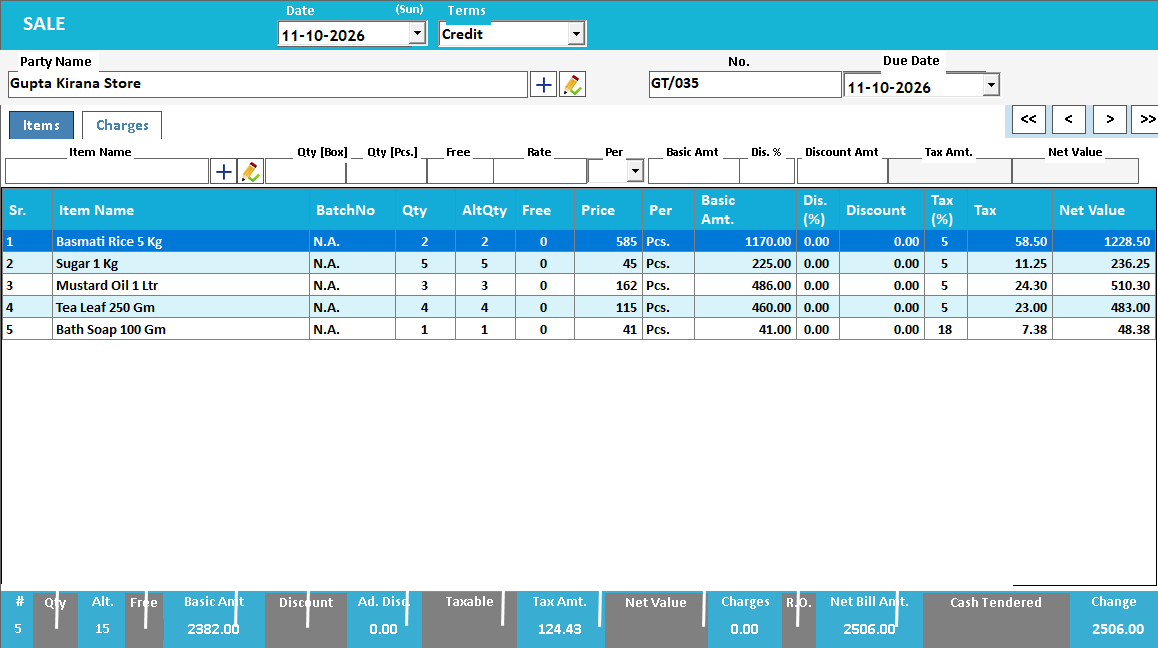
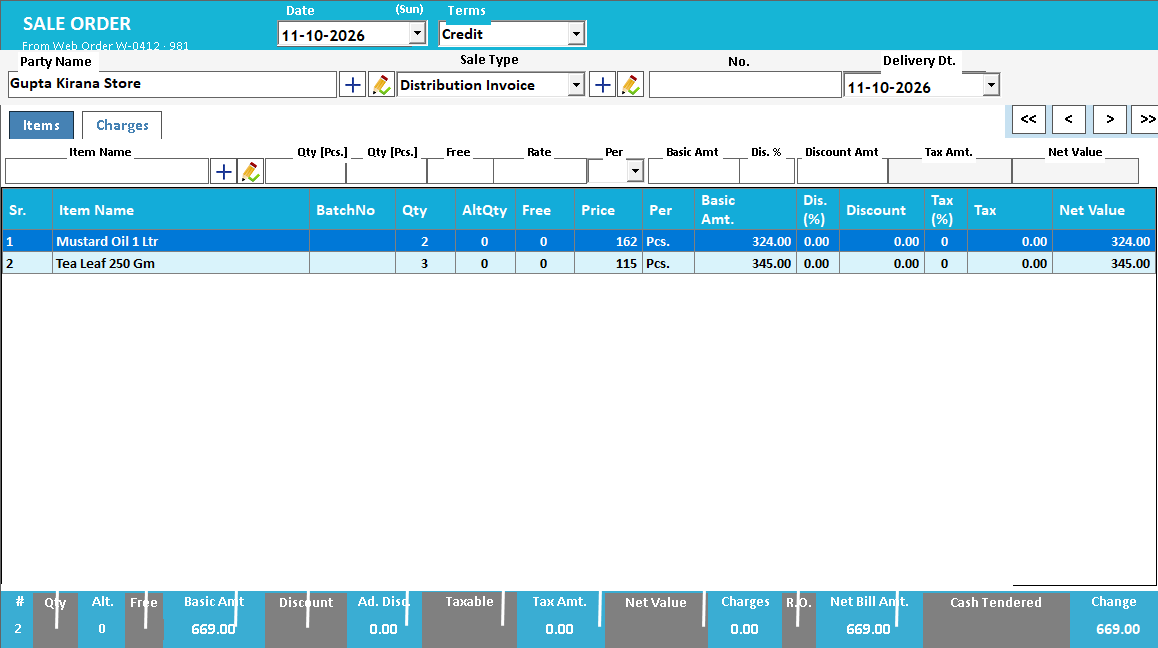
See it with a sample from your business.
Bring a sample bill or item list. We’ll show you the steps and answer your questions.