Put useful product information on the label.
Prepare supported barcode or QR labels using item information. Choose the label format and printed details for the way staff identify products at the counter.
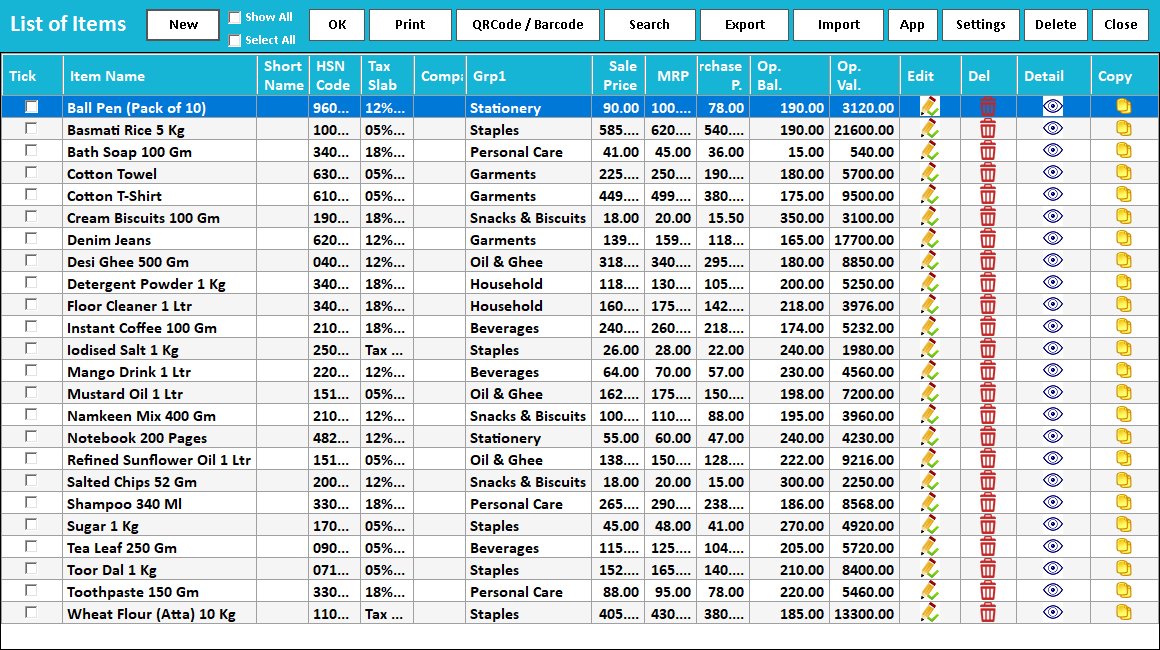
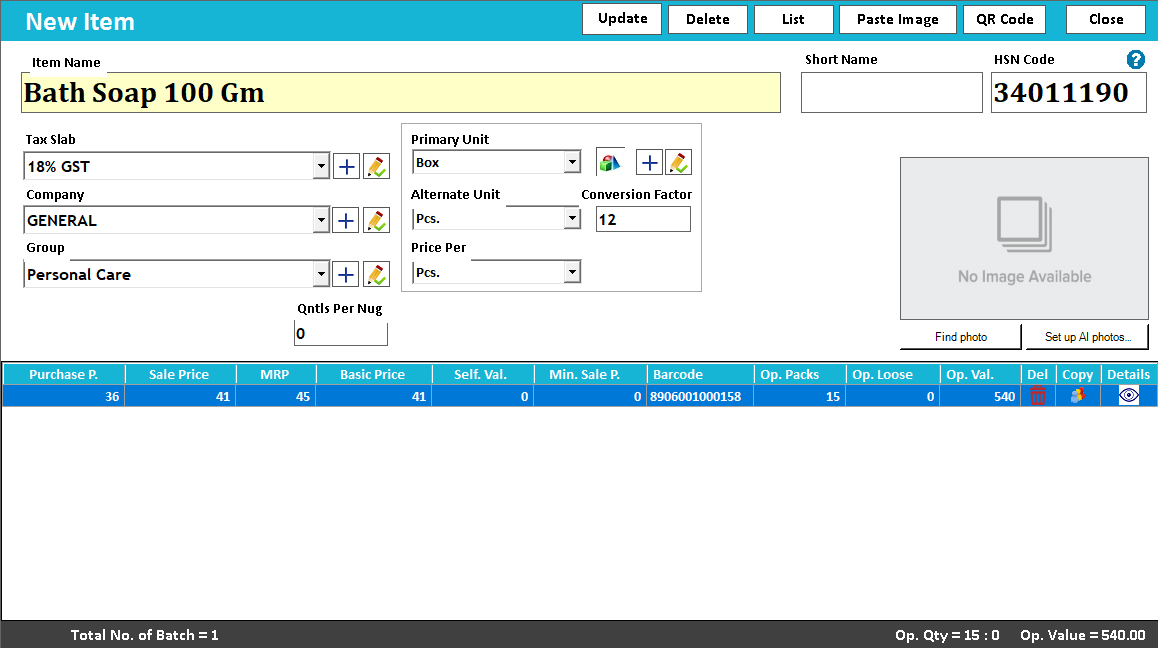
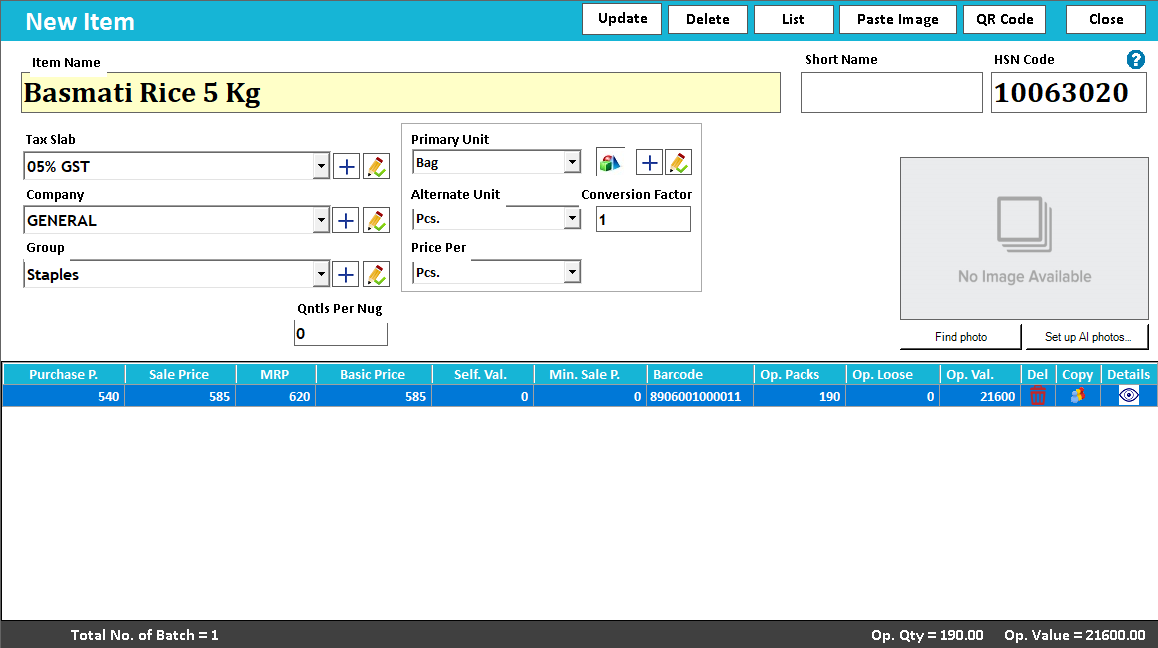
Item and label fields
Printed readable code
Scan and identify the stock
A label should identify the product where it is handled.
Barcode and QR labels bring item information onto the physical stock. The design may combine a machine-readable code with human-readable fields, such as the item name and supported price or variant details. Both parts matter when a scanner or staff member needs to identify a product.
Select the intended items and quantities, choose a label layout and test it on the actual stock. Keep codes readable at the chosen size and check their mapping in billing. The purchase-price secret-code tutorial demonstrates a separate configured label convention for internal price reference.
How to use it.
Put useful product information on the label.
- 01
Choose the items and label quantities
- 02
Select a compatible format and printer
- 03
Print a sample and test its scan in billing
What this looks like in your business.
A garment store labels newly received stock with an item reference and selling information before display.
See the workflow in action.
Speed Plus 9.0: How to Print QR Code Labels with Complete Item Details Using Unicode ERP Software.
SolverTeam tutorial for this topic. Screens and options can vary by installed version.
Open on YouTube ↗Good questions.
Clear answers.
Choose the workflow that fits your business and confirm its setup in a demonstration.
Should I print every field inside the barcode?
No. The code can identify the record while the surrounding text shows useful details. Confirm which information is encoded and which is printed as text so the scanner workflow matches your label design.
What setup should I confirm?
Scan performance depends on print size, contrast, label material and the scanner. Test before printing a full batch.
What else can help?
See it with a sample from your business.
Bring a sample bill or item list. We’ll show you the steps and answer your questions.