Keep the promise after the order is accepted.
Track open sales orders, supplied quantities and operational stages such as packing, dispatch and delivery.
Inspect pending quantities and delivery dates
Record the real packing, dispatch or delivery stage
Review linked bills and the order history
Where this fits in your working day.
The Speed Plus 9 manual describes this workflow in section 35.4. The current chapter documents the expanded Insights workflows for version 261007 and later; confirm the installed version and relevant permissions.
Keep the promise after the order is accepted.
A sales order records what was promised. Bills raised against it explain how much was supplied; staff-marked stages explain the physical handling. Keeping those two kinds of information visible helps distinguish part supply from an order that has merely been packed.
Use Order Tracker to review open or late work. Record packing, dispatch and delivery as they happen, with notes and the receiver where required. Inspect History when a customer asks what changed. A bill counts towards supply when it is made from the order.
How to use it.
Keep the promise after the order is accepted.
- 01
Inspect pending quantities and delivery dates
- 02
Record the real packing, dispatch or delivery stage
- 03
Review linked bills and the order history
What this looks like in your business.
An order for 20 pieces is billed for 12. Eight remain to supply even if the first parcel has been dispatched. Review both the supply position and parcel stage before promising completion.
Good questions.
Clear answers.
Choose the workflow that fits your business and confirm its setup in a demonstration.
Is marking Dispatched the same as raising an invoice?
No. The operational stage and the supply recorded through linked bills describe different parts of the order journey.
What setup should I confirm?
Marking a stage does not send a customer message. Closing a balance or cancelling requires care and is not an undoable action in this report.
What else can help?
DSR Party Wise Daily
Review the day's billed parties in one report.
Read the guide →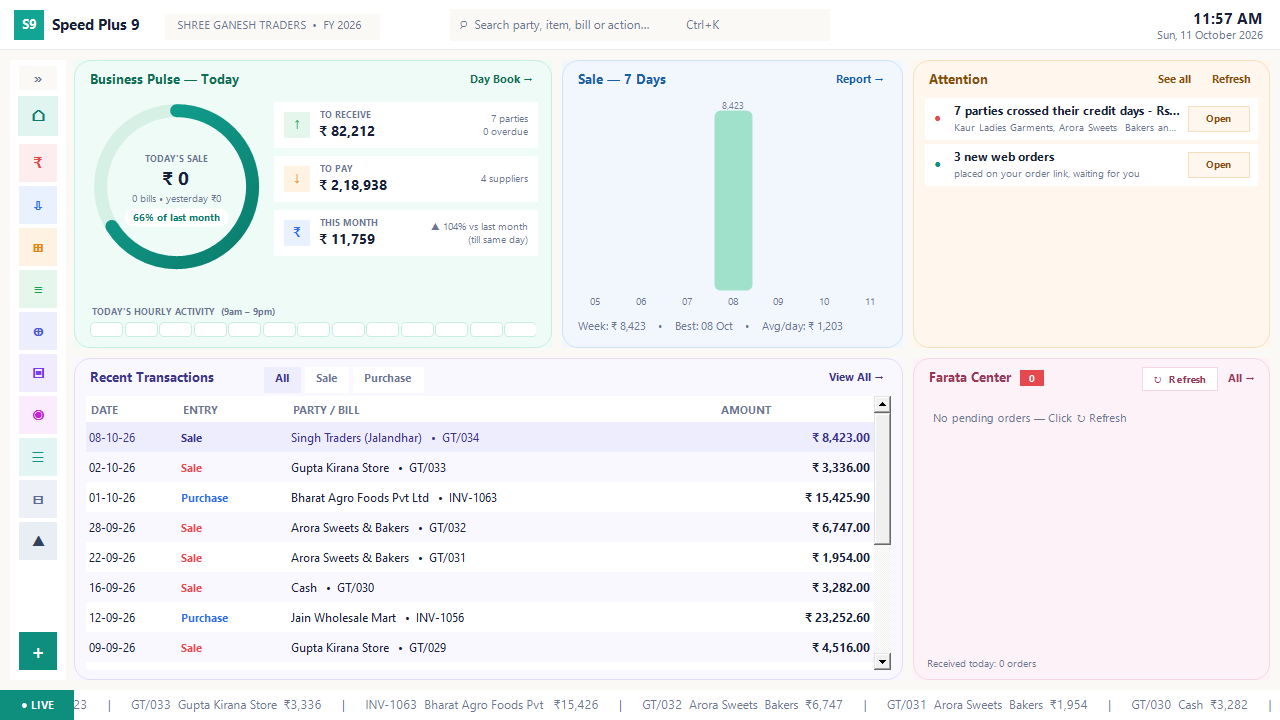
Business dashboard
See how your business is doing today.
Read the guide →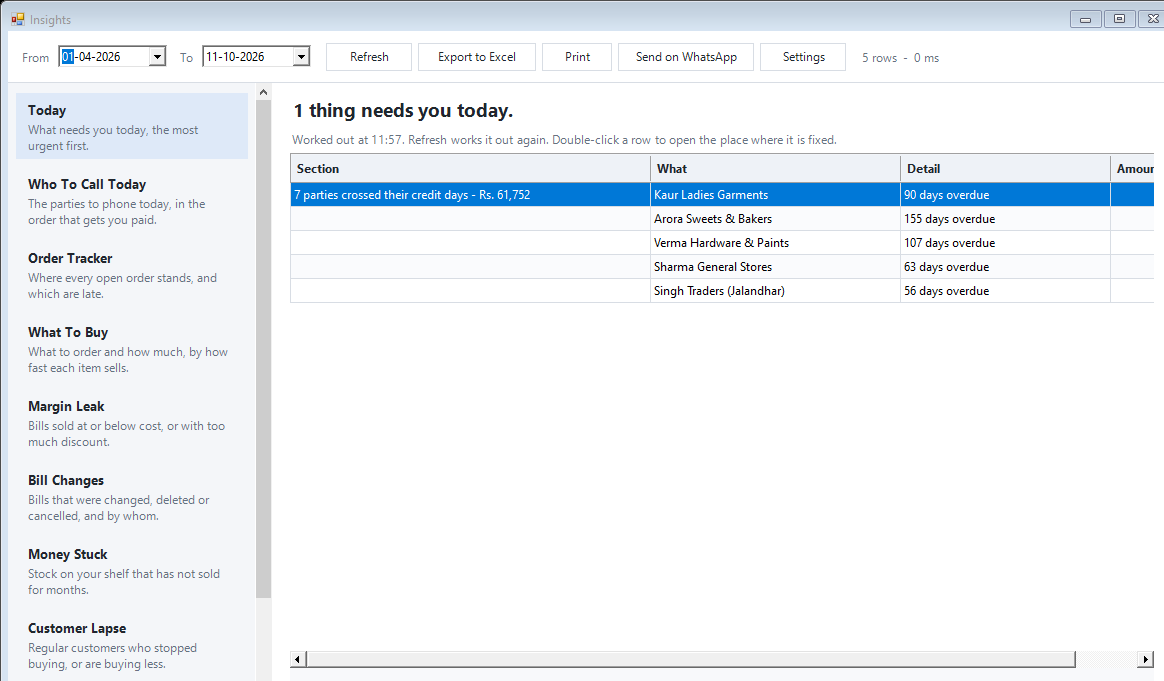
Today business insights
Know which issue deserves your attention first.
Read the guide →See it with a sample from your business.
Bring a sample bill or item list. We’ll show you the steps and answer your questions.