Make the menu easy to order correctly.
Prepare menu items and supported variants so staff select what the customer actually requests. Clear item setup helps both the bill and kitchen ticket.
Menu item and options
Recorded guest choice
Kitchen and bill detail
See the screens behind the workflow.
Real screens from the Speed Plus 9 manual. Open any image to inspect the details.
 View full size ↗
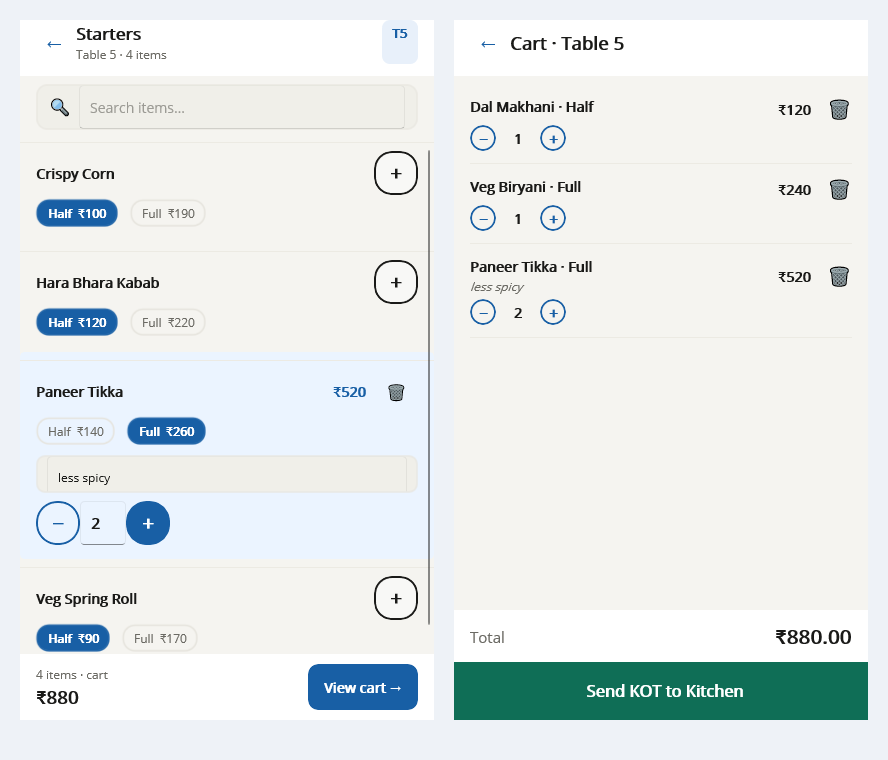
Select the portion before sending the kitchen order.
In the shown mobile menu, the portion selector changes the item choice and price. A preparation note travels with the order to explain how the guest wants the dish. Read the cart before sending so the kitchen receives the intended portion, quantity and instruction.
A menu choice should keep its meaning from order to kitchen to bill.
Variants distinguish choices such as portion size; add-ons describe supported extras; combos group an offered selection. These choices affect the guest’s expectation and may affect price or preparation, so they need names that the floor and kitchen interpret consistently.
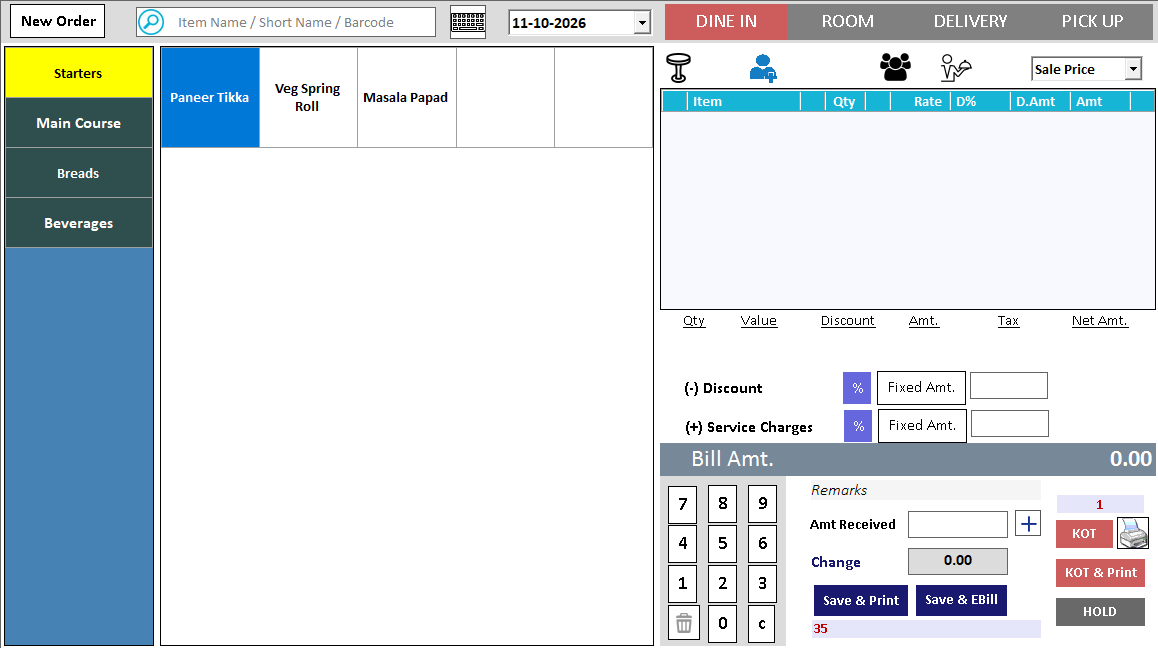
Prepare representative menu items and demonstrate the supported options in the ordering workflow. Review the chosen variant on the kitchen output and final bill. Test a similarly named dish and a changed quantity to check that the selection is unambiguous.
How to use it.
Make the menu easy to order correctly.
- 01
Create the menu and available variants
- 02
Check prices and kitchen routing
- 03
Place a sample order with different options
What this looks like in your business.
A restaurant offers a dish in two portions and checks that the selected portion is visible in the order output.
Good questions.
Clear answers.
Choose the workflow that fits your business and confirm its setup in a demonstration.
Why check the kitchen output as well as the order screen?
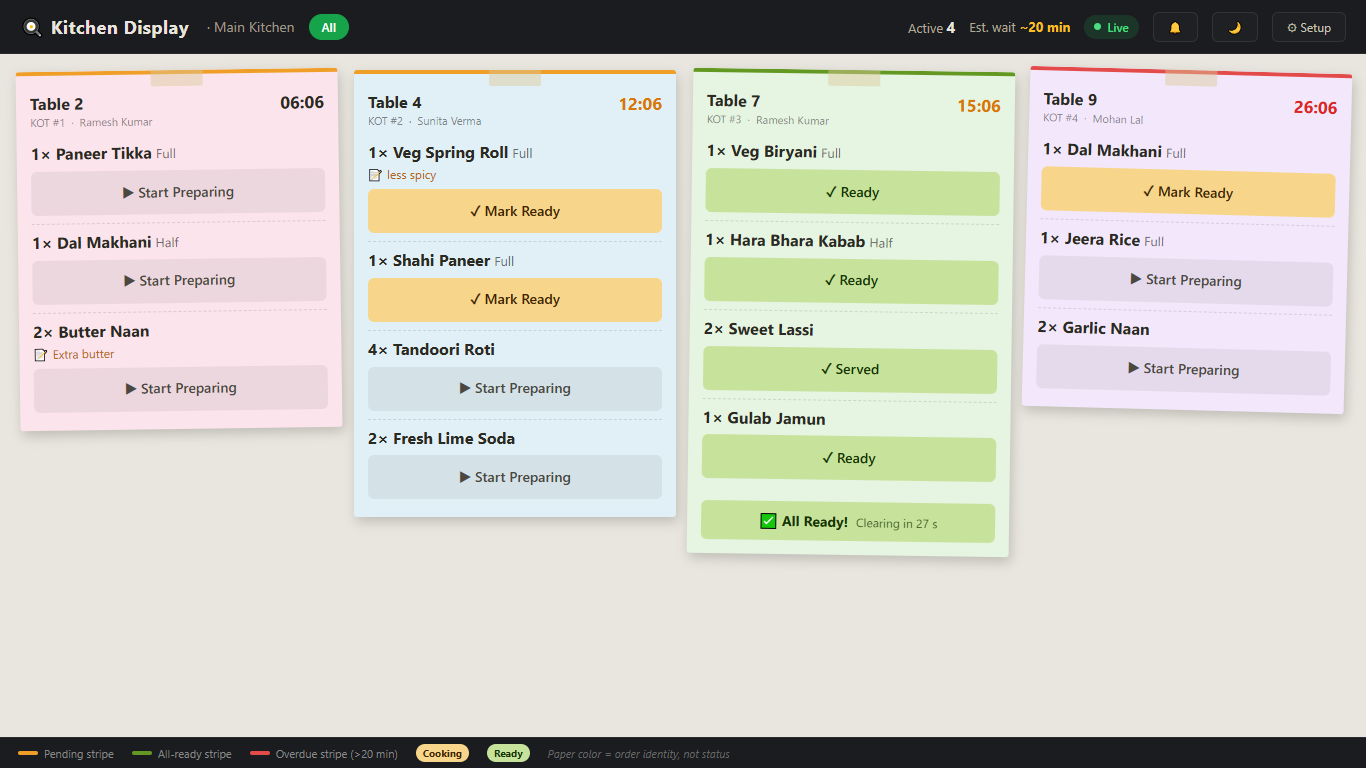
A choice visible to the waiter is useful only if the kitchen receives the required preparation detail. Inspect the complete path, especially for portion sizes and extras that change what must be prepared.
What setup should I confirm?
Confirm supported modifiers and variants rather than assuming every menu combination is available.
Take an order from table to payment
Follow the service journey across the table, kitchen and billing counter.
- 01Restaurant table managementRead guide →
- 02Restaurant menu variantsYou are here
- 03Restaurant KOTRead guide →
- 04Kitchen displayRead guide →
- 05Restaurant billing and paymentsRead guide →
What else can help?
See it with a sample from your business.
Bring a sample bill or item list. We’ll show you the steps and answer your questions.