Collect the order where the conversation happens.
Use Farata's supported mobile-order workflow to capture requested products and quantities away from the desktop. Review the order in the connected business workflow before billing.
Farata item and quantity selection
Connected order review
Supported fulfilment and billing
See the screens behind the workflow.
Real screens from the Speed Plus 9 manual. Open any image to inspect the details.
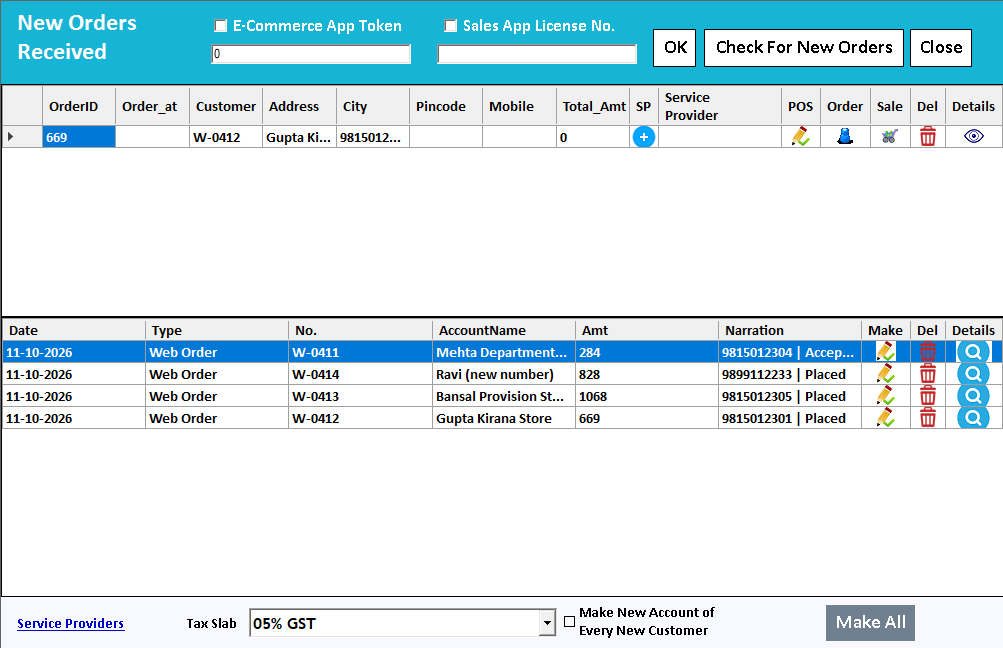 View full size ↗
Find the request at the receiving end.
New Orders Received includes the supported app selections and a Check For New Orders action. Use the received list and document references to verify the handoff from phone to PC. A submit action on the phone is only one stage of the order journey.
Collect the request where the customer or salesperson is.
Mobile ordering lets a supported Farata user prepare an order without returning to the desktop counter. The order communicates intent: which customer wants which items and quantities. The receiving business still needs to review that request before fulfilling and billing it.
Connect the appropriate account, select items and submit a representative order. In Speed Plus, locate the received request and review customer mapping, availability and the final commercial terms. Follow its supported conversion and keep the order reference available for queries.
How to use it.
Collect the order where the conversation happens.
- 01
Connect the authorised business account
- 02
Select items and quantities on the mobile app
- 03
Review the received order in Speed Plus
What this looks like in your business.
A sales representative records a retailer order during a visit and the office checks availability before preparing the bill.
See the workflow in action.
Retailer Sends an Order From the Phone, Wholesaler Gets a Sale Order | Speed Connect
SolverTeam tutorial for this topic. Screens and options can vary by installed version.
Open on YouTube ↗Good questions.
Clear answers.
Choose the workflow that fits your business and confirm its setup in a demonstration.
Is a submitted mobile order a completed sale?
No. Submission sends the request. Review, acceptance, supply and invoicing are later business steps. Demonstrate those transitions in your selected Farata and Speed Plus setup.
What setup should I confirm?
Server configuration, item visibility and connectivity determine the available workflow.
What else can help?
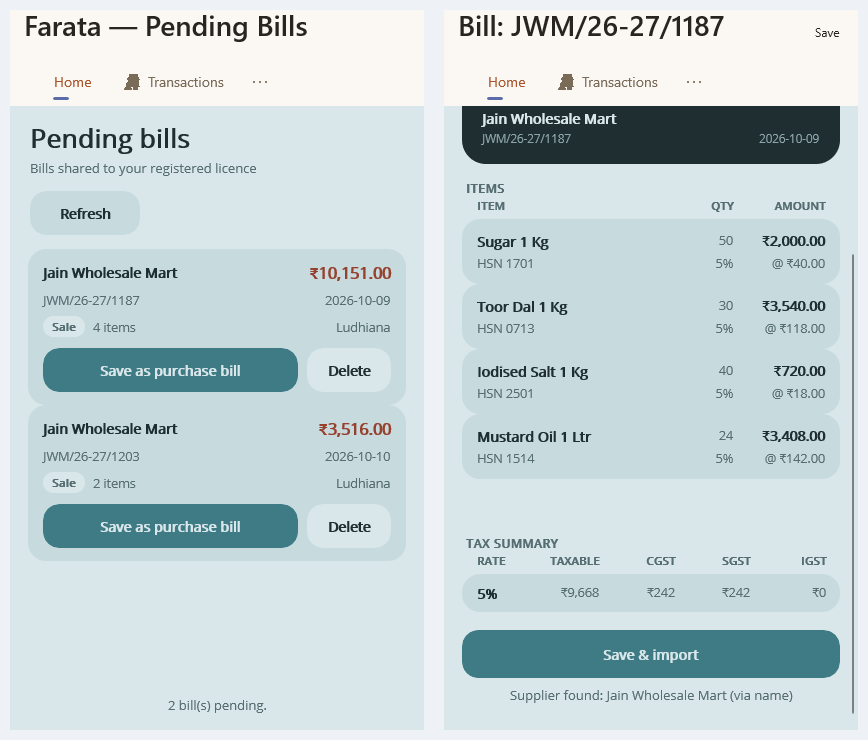
Farata bills and stock sync
Keep received bills close to the mobile workflow.
Read the guide →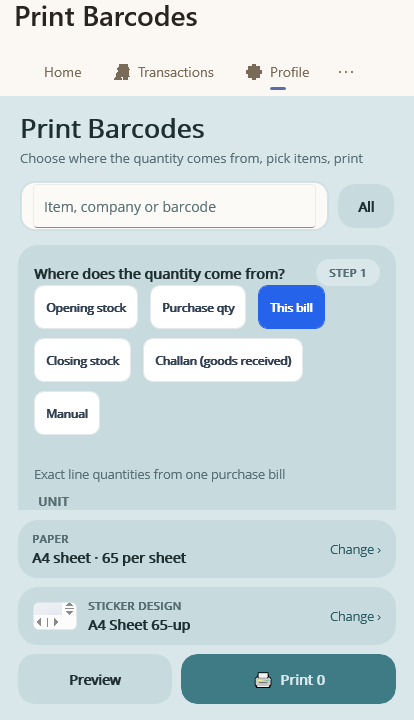
Farata mobile print and share
Share a mobile document with a clear purpose.
Read the guide →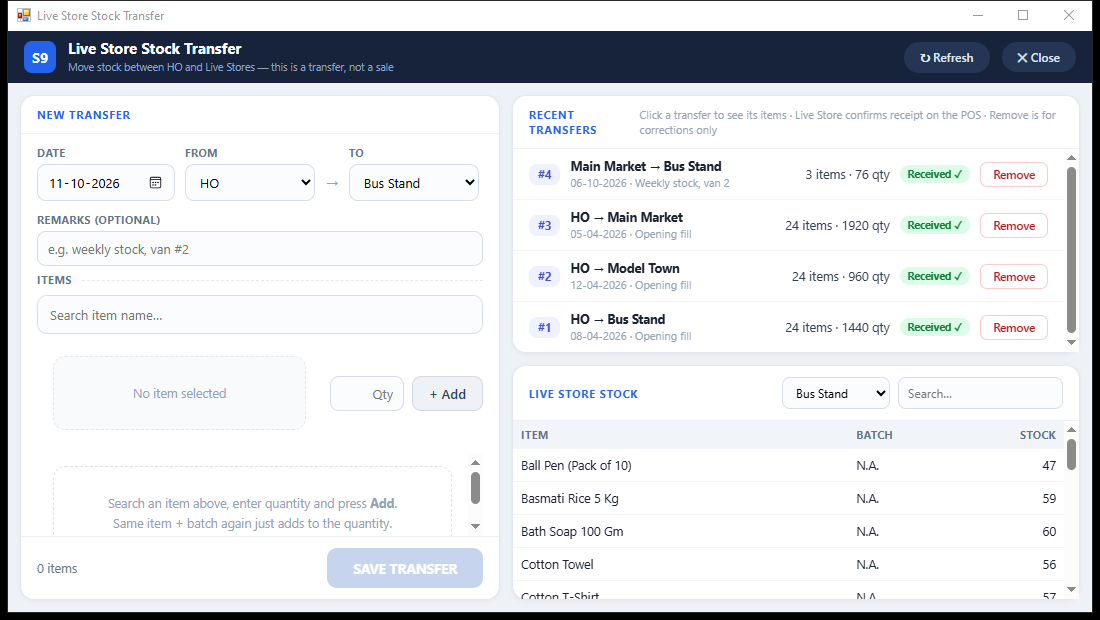
Branch stock transfers
Send stock. Confirm what arrived.
Read the guide →See it with a sample from your business.
Bring a sample bill or item list. We’ll show you the steps and answer your questions.