Give customers a clear price before they buy.
List the items, quantities, prices and terms in one quotation. Review the agreed offer before making the final bill.
Prepared for a customer enquiry
Agree on the offer before recording the sale.
A quotation explains a proposed sale: items, quantities, prices and commercial terms. It gives the customer something concrete to approve without treating an enquiry as a completed sale. This matters when prices, specifications or installation work need discussion before the customer commits.
Build the offer from the intended scope, review its validity and charges, and keep a clear reference when sharing it. If the customer changes two laptops to three, revise the offer deliberately. When proceeding to a sale, review the accepted quantities, current availability and final terms in the supported billing workflow.
How to use it.
Give customers a clear price before they buy.
- 01
Select the enquiry customer and prepare the item list
- 02
Review prices, quantities and the terms you want to offer
- 03
Print or share the quotation and retain its reference
What this looks like in your business.
A computer dealer quotes two laptops and an installation service. A clear item list makes it easier to discuss a change in quantity without losing the original scope.
A small example.
A clearer understanding.
Change the sample values and explore how this workflow helps.
Interactive illustration · not the softwareGood questions.
Clear answers.
Choose the workflow that fits your business and confirm its setup in a demonstration.
What should a useful quotation show beyond price?
Include the item or service specification, quantity, unit, applicable charges, delivery scope and offer validity. For an installation job, state what installation includes so the final invoice does not surprise the customer.
What setup should I confirm?
A quotation is an offer, not proof of payment or a completed sale. Confirm the supported quotation-to-sale conversion route in your installed edition.
What else can help?
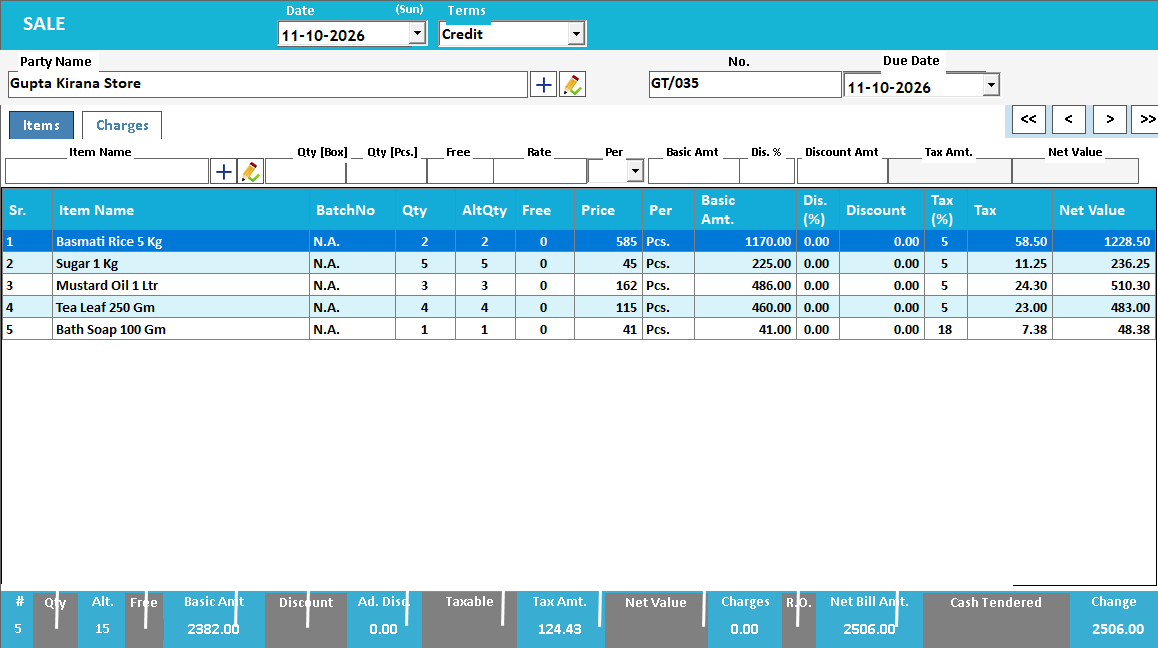
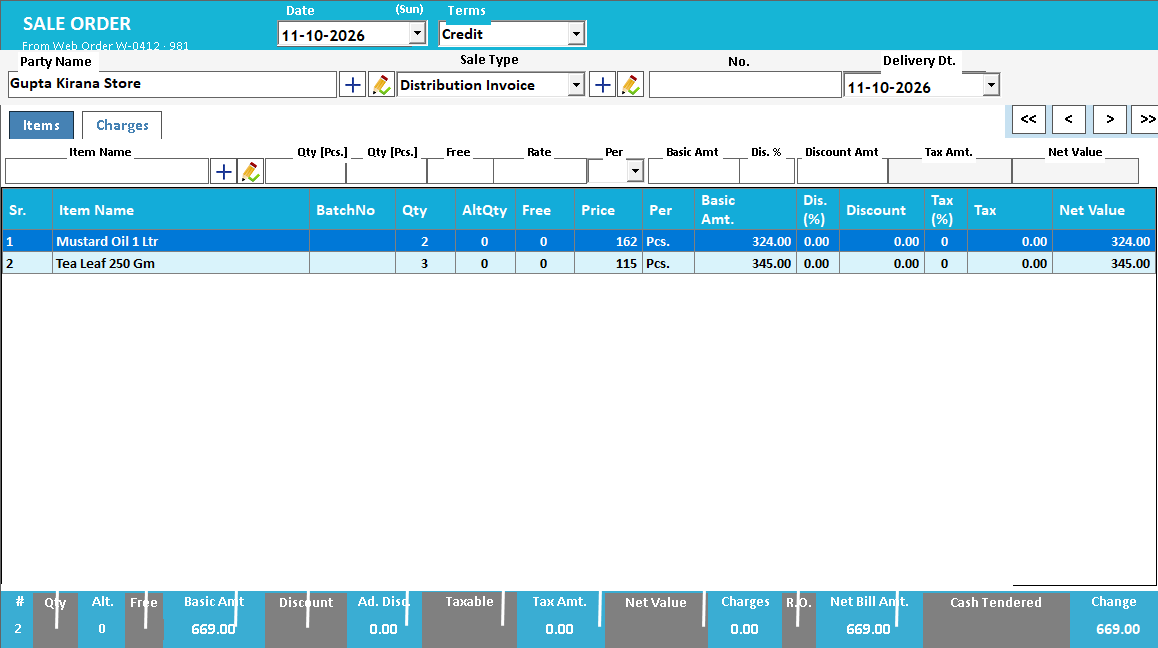
See it with a sample from your business.
Bring a sample bill or item list. We’ll show you the steps and answer your questions.