Keep enquiries and service calls out of loose diaries.
Log a customer call with the problem, assigned executive, planned visit and status. Use follow-up entries to retain the conversation history in a searchable register.
Customer issue
Executive and follow-up entries
Reviewed status and charges
See the screens behind the workflow.
Real screens from the Speed Plus 9 manual. Open any image to inspect the details.
 View full size ↗
Open the register, then create the customer follow-up record.
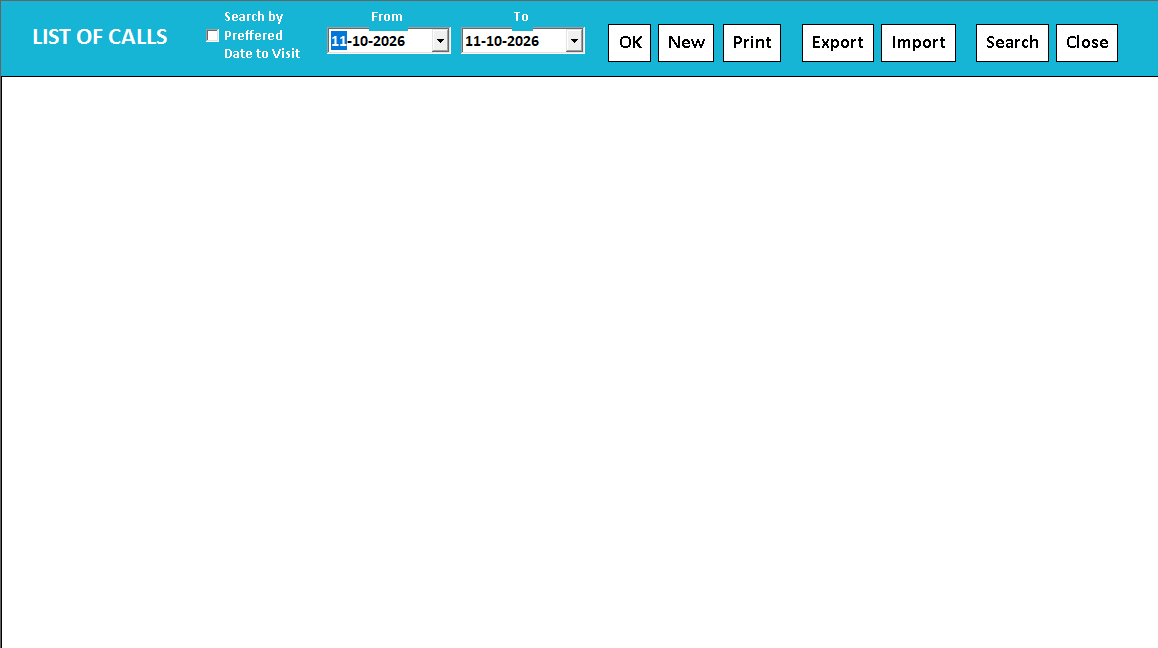
The Call Recorder list shows a date range with New, Print, Export and Search controls. It is a CRM register for enquiries and service follow-up, not a telephone-audio tool. The manual screenshot is an empty list view, so it demonstrates navigation rather than completed customer work.
Give the next person the history of the customer enquiry.
The CRM call register records a customer interaction as a structured follow-up item. It can describe an enquiry, service requirement, new call or AMC-related work, with the customer, issue, responsible executive, visit details and status kept together.
Create the record from the supported call-register entry or sale-screen CRM action. Add the problem and responsible person, then update the follow-up log as work progresses. Review pending, cleared or cancelled records and the supported charges, received and balance fields when closing the matter.
How to use it.
Keep enquiries and service calls out of loose diaries.
- 01
Open Help → Call Recorder (CRM) and create the call
- 02
Record the customer, problem, executive and preferred visit
- 03
Add follow-up notes and update the status after action
What this looks like in your business.
An appliance dealer records a service complaint, assigns a technician and tracks the call until it is cleared.
Good questions.
Clear answers.
Choose the workflow that fits your business and confirm its setup in a demonstration.
What makes a follow-up entry useful?
Record what happened, who handled it and the next agreed action. “Called customer; part will arrive Friday; technician to confirm visit” is more useful at handover than an unexplained “follow up” note.
What setup should I confirm?
This is a written call register, not audio recording. Do not assume automatic reminder popups or telephone integration.
What else can help?
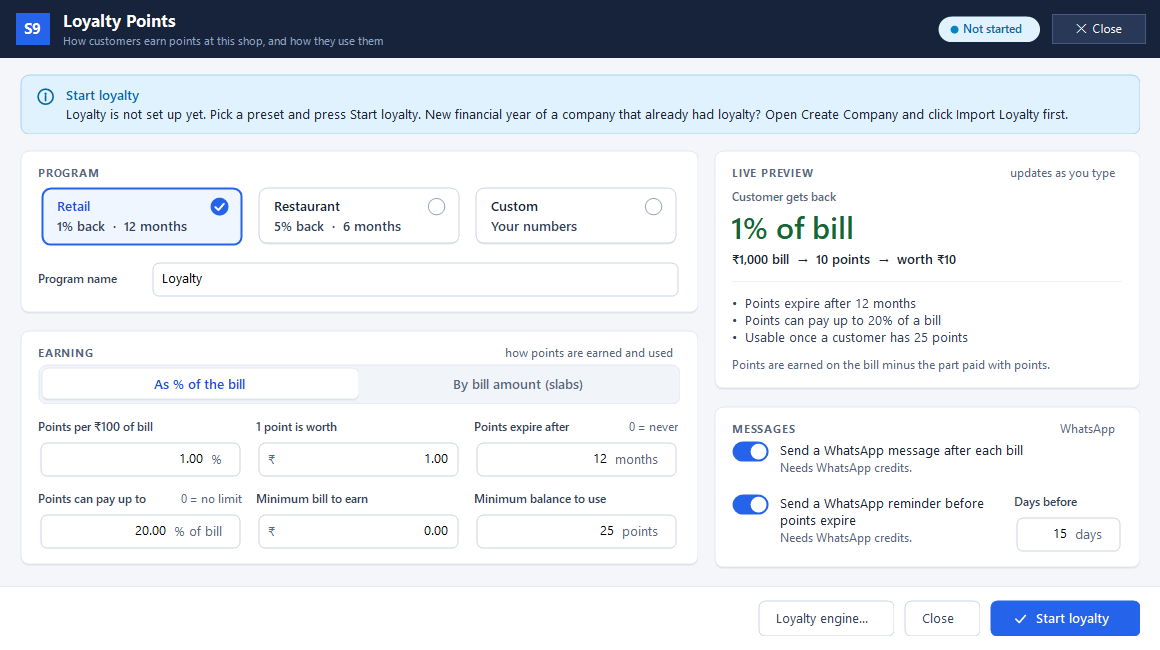
Loyalty points
Reward customers when they buy again.
Read the guide →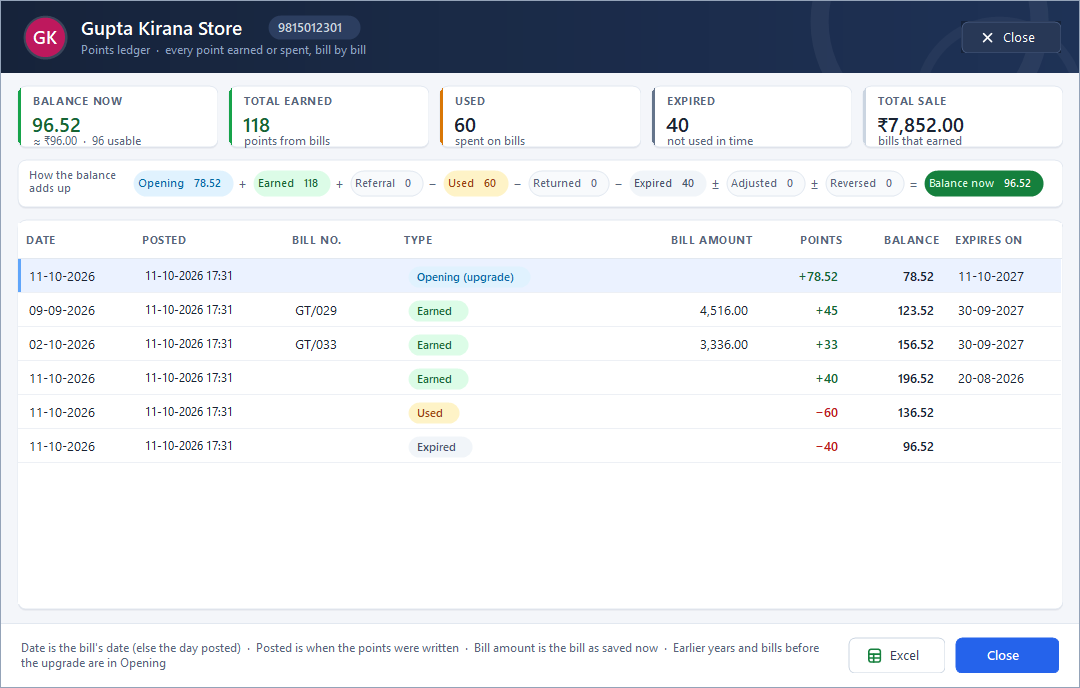
Customer points ledger
Show where a customer’s points came from.
Read the guide →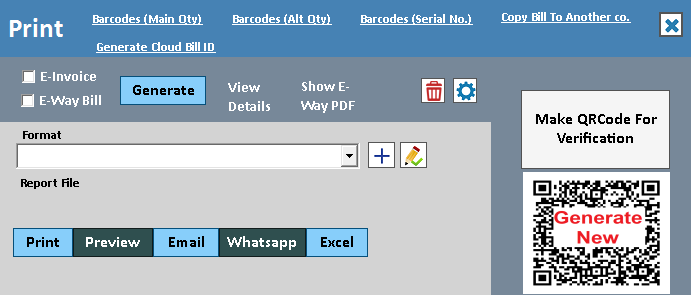
WhatsApp invoice sharing
Put a useful invoice in the customer's chat.
Read the guide →See it with a sample from your business.
Bring a sample bill or item list. We’ll show you the steps and answer your questions.