See the money waiting on your shelves.
Money Stuck highlights stock that has not sold for a long time, alongside its quantity, value and last activity.
Review idle days, stock value and last movement
Inspect the item’s purchase and sales history
Decide on replenishment, clearance or supplier discussion
Where this fits in your working day.
The Speed Plus 9 manual describes this workflow in section 35.8. The current chapter documents the expanded Insights workflows for version 261007 and later; confirm the installed version and relevant permissions.
See the money waiting on your shelves.
An item can have a healthy quantity and still tie up working capital. Last sale date and idle days help distinguish routine stock from goods that deserve a buying, clearance or supplier-return discussion. The report includes suggested actions to guide review.
Read stock value with last purchase and last sale dates. Check an item’s movement before deciding what to do, especially for seasonal or newly introduced products. The separate Check these tab identifies negative-stock records that need investigation.
How to use it.
See the money waiting on your shelves.
- 01
Review idle days, stock value and last movement
- 02
Inspect the item’s purchase and sales history
- 03
Decide on replenishment, clearance or supplier discussion
What this looks like in your business.
A shop has 40 units of an item that has not sold for several months. The owner reviews whether it is seasonal, incorrectly recorded or a candidate for a clearance offer before buying another carton.
Good questions.
Clear answers.
Choose the workflow that fits your business and confirm its setup in a demonstration.
Are negative-stock items simply slow sellers?
No. Negative stock is a records issue to investigate, such as a sale entered before its purchase. Use the Check these view separately.
What setup should I confirm?
An idle-stock suggestion is not an automatic write-off or return. Confirm the physical quantity and business context before taking action.
What else can help?
DSR Party Wise Daily
Review the day's billed parties in one report.
Read the guide →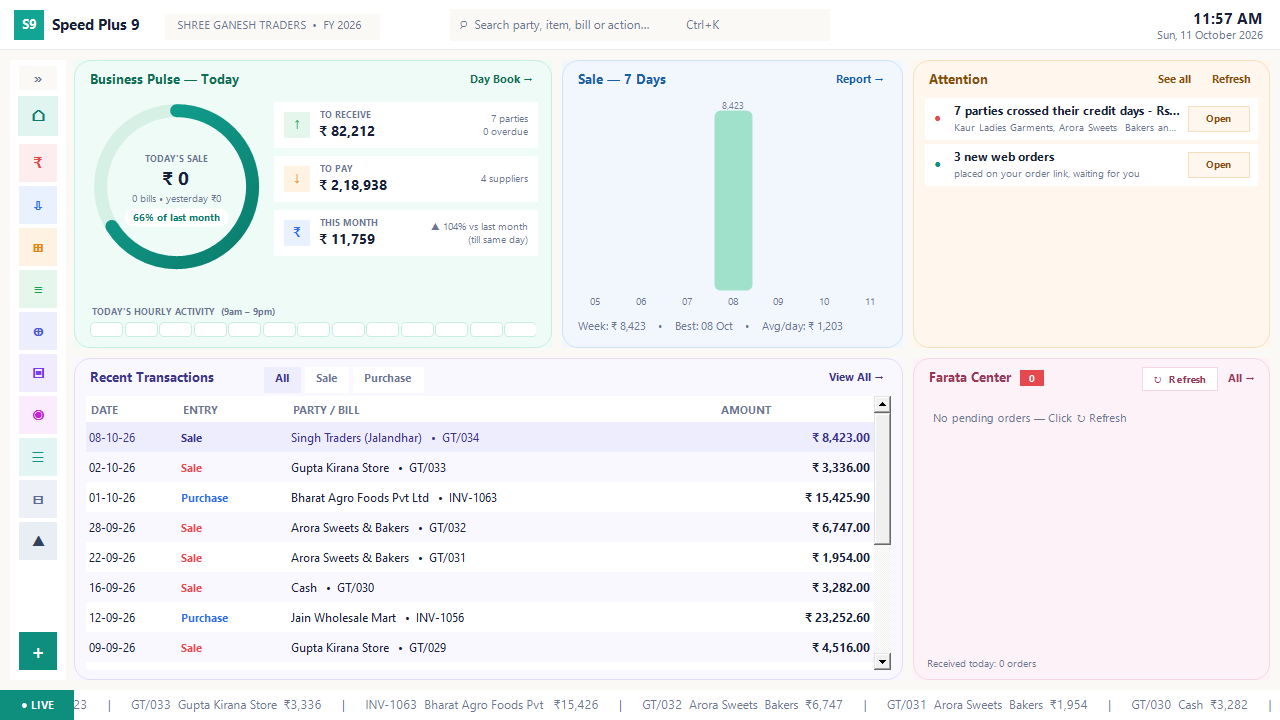
Business dashboard
See how your business is doing today.
Read the guide →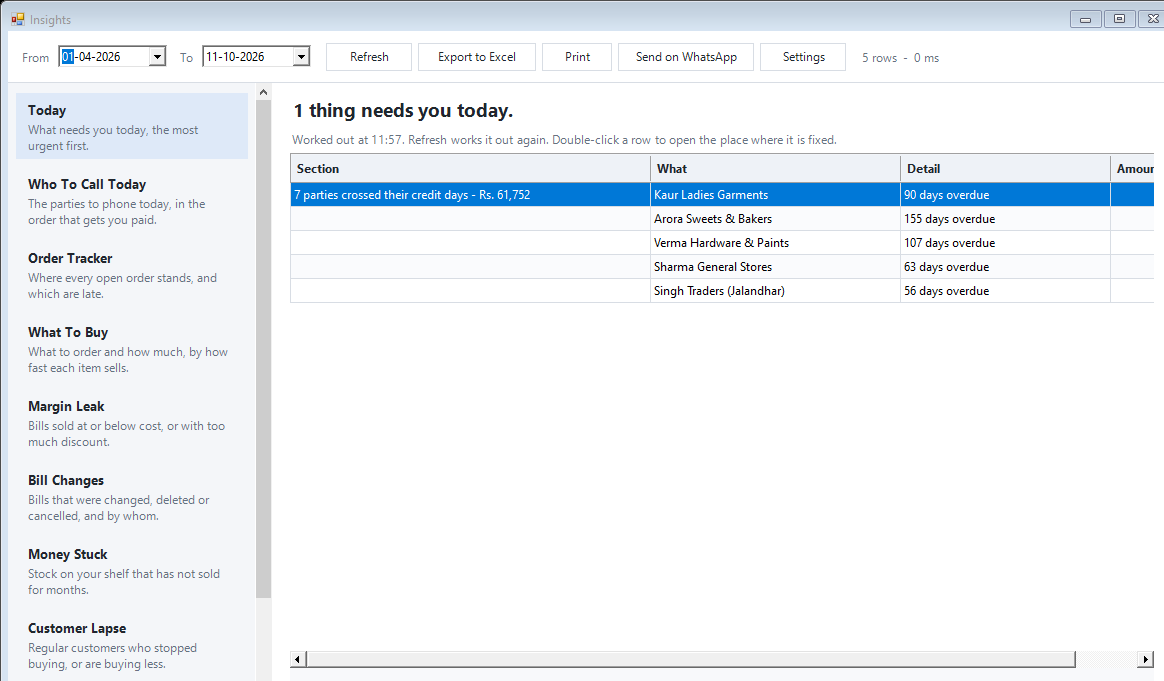
Today business insights
Know which issue deserves your attention first.
Read the guide →See it with a sample from your business.
Bring a sample bill or item list. We’ll show you the steps and answer your questions.