See what a customer owes or a supplier is due.
Review bills, receipts, payments and opening balances together in the party’s account.
Opening balance
Bills and settlements
Explained closing balance
See the screens behind the workflow.
Real screens from the Speed Plus 9 manual. Open any image to inspect the details.
 View full size ↗
02See which parties have a balance to pay+
 View full size ↗
An account identity and an outstanding report answer different questions.
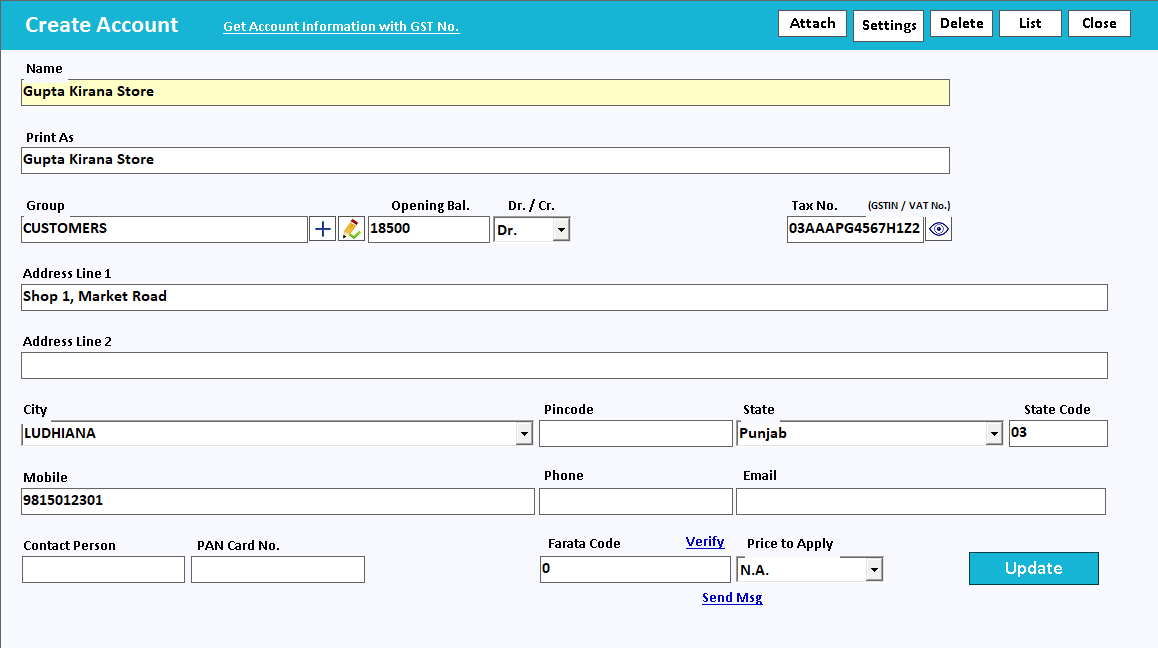
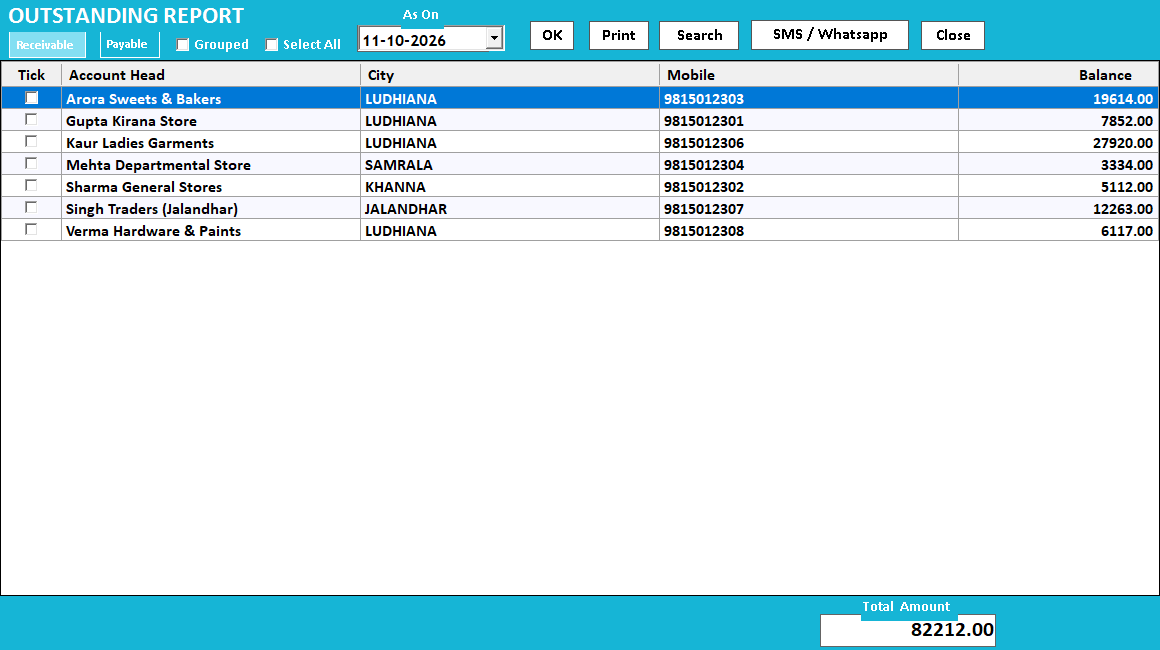
Create Account keeps the party’s group, opening balance and contact details together. The illustrated Outstanding Report lists receivable balances by party. It is a party-level view; use the bill-wise workflow separately when you need to identify the particular unpaid invoices.
A ledger explains a balance as a sequence of events.
A customer or supplier balance is the result of opening amounts, bills, receipts, payments and adjustments. A ledger puts those entries in order so the business can explain why money is due rather than relying on a single closing figure.
Choose the correct party and date range, inspect the opening balance and follow the entries to the closing amount. When a customer disputes a figure, locate the bill or receipt behind it. Customer and supplier accounts have different normal directions, so review the debit and credit meaning in context.
Credit period and credit limit answer different questions. The period sets how long payment may remain due; the limit expresses the outstanding exposure allowed for that party. Review both with the party’s opening balance and existing bills. Warning or approval behaviour depends on the configured settings and supported billing screen.
How to use it.
See what a customer owes or a supplier is due.
- 01
Choose the correct party and date range
- 02
Review bills and receipt/payment entries
- 03
Compare the closing balance with the supporting documents
What this looks like in your business.
A supplier asks about a balance. The accounts team checks invoices and payments in the relevant ledger.
Good questions.
Clear answers.
Choose the workflow that fits your business and confirm its setup in a demonstration.
Why should I avoid correcting a balance with an unexplained entry?
It may hide the actual error and make future reconciliation harder. First find the source document or missing settlement; use a properly described adjustment only when it represents the real business event.
Is a 30-day credit period the same as a credit limit?
No. Thirty days is the agreed time to pay. A rupee credit limit is the amount of outstanding exposure allowed. A customer can be within one and exceed the other.
What setup should I confirm?
Opening balances and correct account selection are essential. Reconcile disputed transactions before adjusting the ledger.
Follow a credit sale through to collection
Connect the customer account, invoice, outstanding amount and receipt.
- 01Customer and supplier ledgersYou are here
- 02GST invoicingRead guide →
- 03Bill-by-bill outstandingRead guide →
- 04Receipts and paymentsRead guide →
What else can help?
Ledger with item details
Understand the balance and the items behind it.
Read the guide →Bill-by-bill outstanding
Know which invoice still needs payment.
Read the guide →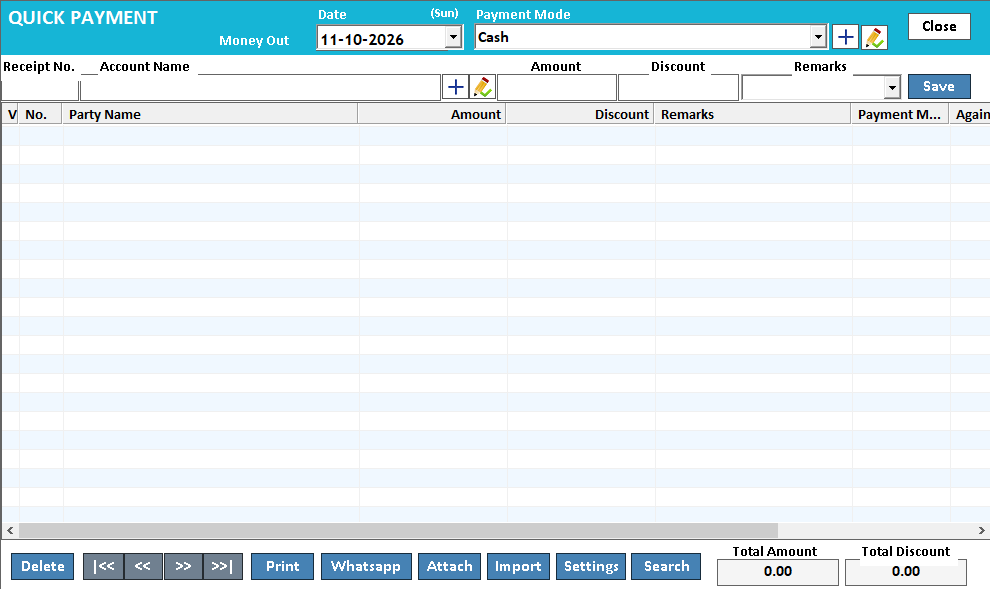
Receipts and payments
Record money movement with the right account.
Read the guide →See it with a sample from your business.
Bring a sample bill or item list. We’ll show you the steps and answer your questions.