Follow the recorded action back to its operator.
Review voucher activity by user, time, entry type and action to investigate how business records were handled.
Choose the date range and relevant user or entry
Inspect the recorded action, reference and machine
Compare the source voucher and export the review if needed
Where this fits in your working day.
The Speed Plus 9 manual describes this workflow in section 36.8. Review voucher activity by user, time, entry type and action to investigate how business records were handled.
Follow the recorded action back to its operator.
Help → Audit Trail - User Activity Report presents recorded New, Modify and Delete actions with entry reference, value, description and machine name. Filtering makes it easier to investigate a specific time window than searching through unrelated bills.
Select dates, entry type, user or action, then search the relevant records. Use Excel export when a review needs an offline working copy. Bill Changes is a related owner report for supported before-and-after detail; the two views answer different questions.
How to use it.
Follow the recorded action back to its operator.
- 01
Choose the date range and relevant user or entry
- 02
Inspect the recorded action, reference and machine
- 03
Compare the source voucher and export the review if needed
What this looks like in your business.
An owner investigates an unexpected deletion by narrowing the report to the date and Delete action, then checking the matching entry reference and user.
Good questions.
Clear answers.
Choose the workflow that fits your business and confirm its setup in a demonstration.
Does the activity timeline restore a deleted voucher?
No. It records activity for investigation. Restoration requires a separate supported recovery procedure.
What setup should I confirm?
Clear Timeline removes audit entries and is restricted to SUPER USER with confirmation. Preserve the review record before clearing; an audit trail is not a backup.
What else can help?
DSR Party Wise Daily
Review the day's billed parties in one report.
Read the guide →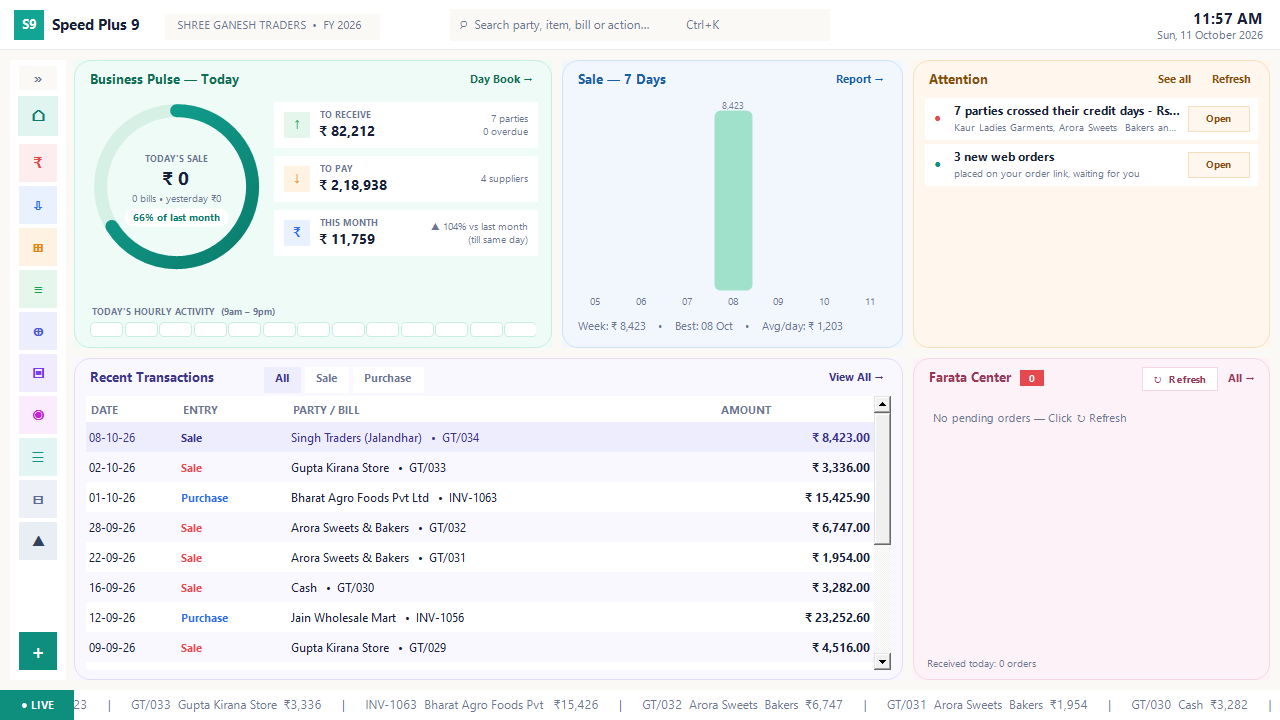
Business dashboard
See how your business is doing today.
Read the guide →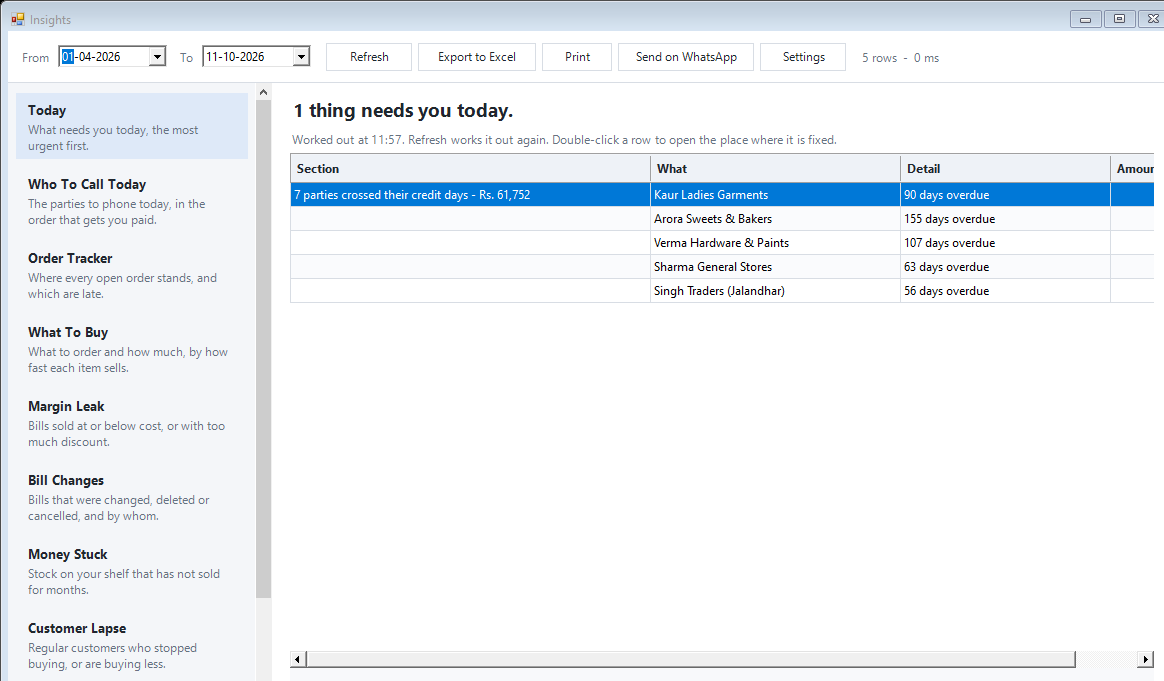
Today business insights
Know which issue deserves your attention first.
Read the guide →See it with a sample from your business.
Bring a sample bill or item list. We’ll show you the steps and answer your questions.