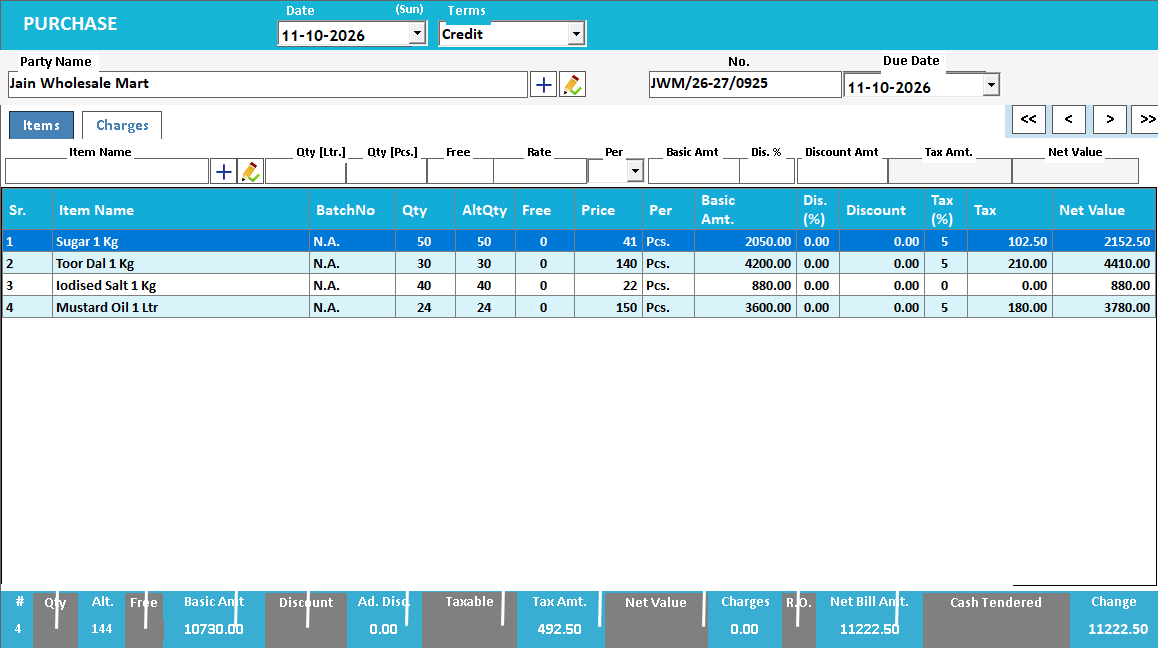
Keep scheme quantities visible in the purchase.
Review the supported free-quantity and purchase-scheme fields alongside the billed quantity. Understand how the purchase affects stock and cost before completing it.
Scheme terms
Paid / free quantity and value
Received stock and effective cost review
A scheme changes the commercial deal, not just the displayed price.
Purchase schemes may combine paid quantity, free quantity and discounts. These affect different parts of the transaction: how many units arrive, how much is payable and the effective cost across the received stock. Reviewing only the supplier bill total misses that relationship.
Check the scheme terms and enter the supported quantity and discount fields consistently. For an illustrative 10 paid plus 1 free offer at ₹100 per paid unit, 11 units arrive for ₹1,000 before other charges and taxes. The simple effective cost is about ₹90.91 per received unit; actual valuation follows your configuration.
How to use it.
Keep scheme quantities visible in the purchase.
- 01
Identify the billed and scheme quantities
- 02
Enter the values in the appropriate supported fields
- 03
Check the resulting stock and cost calculation
What this looks like in your business.
A supplier offers 10 units plus one free. The purchase needs to reflect the received quantity as well as the amount paid.
Good questions.
Clear answers.
Choose the workflow that fits your business and confirm its setup in a demonstration.
Is a free unit the same as a percentage discount?
Not in the stock record. A free unit increases physical quantity; a monetary discount reduces the amount paid. They may produce similar commercial savings but must be entered in a way that represents the actual goods and value.
What setup should I confirm?
Ask the demo team to show your actual scheme type; schemes differ and should not all be represented as a simple discount.
What else can help?
See it with a sample from your business.
Bring a sample bill or item list. We’ll show you the steps and answer your questions.