Notice rising purchase costs before margin slips.
Compare purchase-rate changes with the current sale rate and review suggested selling prices before applying them.
Inspect sustained purchase-rate changes
Review the suggested rate and MRP or history notes
Select the intended items and confirm before applying
Where this fits in your working day.
The Speed Plus 9 manual describes this workflow in section 35.8. The current chapter documents the expanded Insights workflows for version 261007 and later; confirm the installed version and relevant permissions.
Notice rising purchase costs before margin slips.
When supplier costs rise but selling rates stay unchanged, the gap can narrow quietly. Price Watch compares recent purchase history with current sale rates and shows the resulting margin context. It looks for a sustained change rather than relying on one unusual bill.
Check old and new purchase rates, the suggested sale rate and any note about limited history or an MRP cap. Select only the reviewed items before Apply Suggested Rates. The manual describes a confirmation and an undo file written before the rates change.
How to use it.
Notice rising purchase costs before margin slips.
- 01
Inspect sustained purchase-rate changes
- 02
Review the suggested rate and MRP or history notes
- 03
Select the intended items and confirm before applying
What this looks like in your business.
A product’s buying price rises across several purchases while its sale rate remains unchanged. The owner compares the suggested rate with the customer offer and available price limits before updating it.
Good questions.
Clear answers.
Choose the workflow that fits your business and confirm its setup in a demonstration.
Does one expensive purchase immediately dictate a new sale price?
The report checks recent purchase history for a sustained rise. Notes about limited purchase history still need the owner’s judgement.
What setup should I confirm?
Apply Suggested Rates changes data. Reading the report alone does not update prices; review the selected rows and keep the recovery file created by the operation.
What else can help?
DSR Party Wise Daily
Review the day's billed parties in one report.
Read the guide →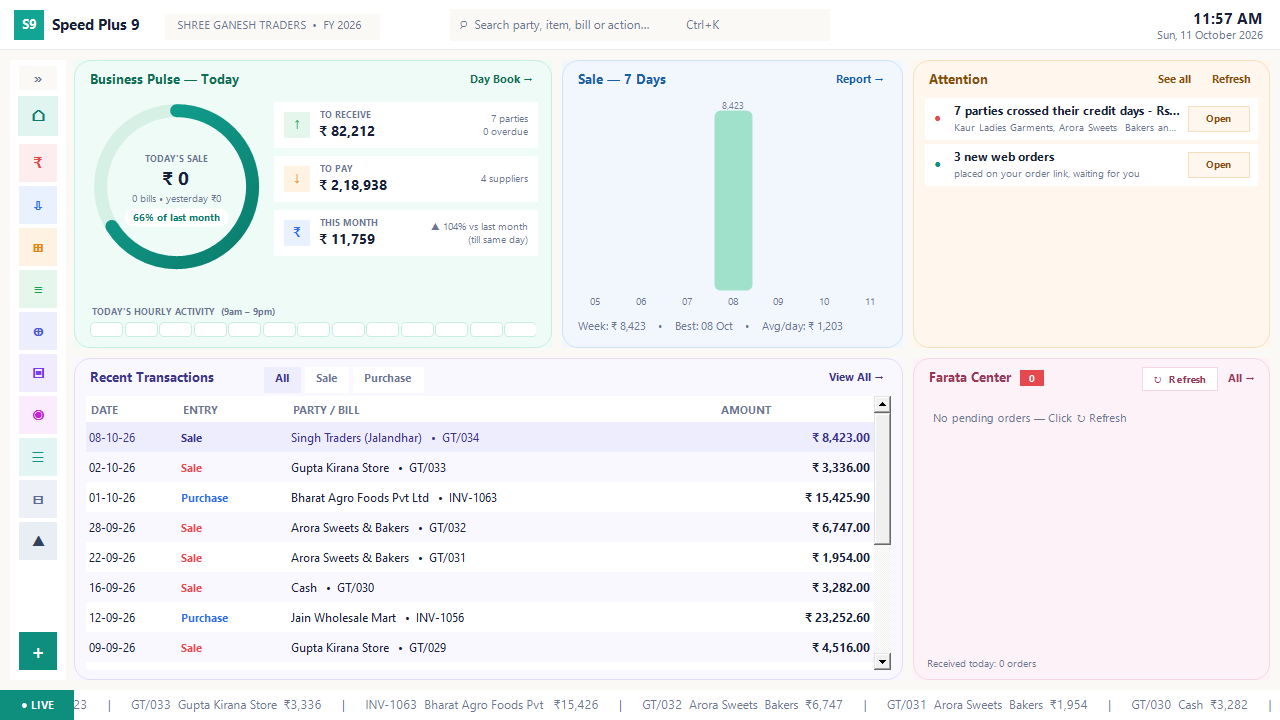
Business dashboard
See how your business is doing today.
Read the guide →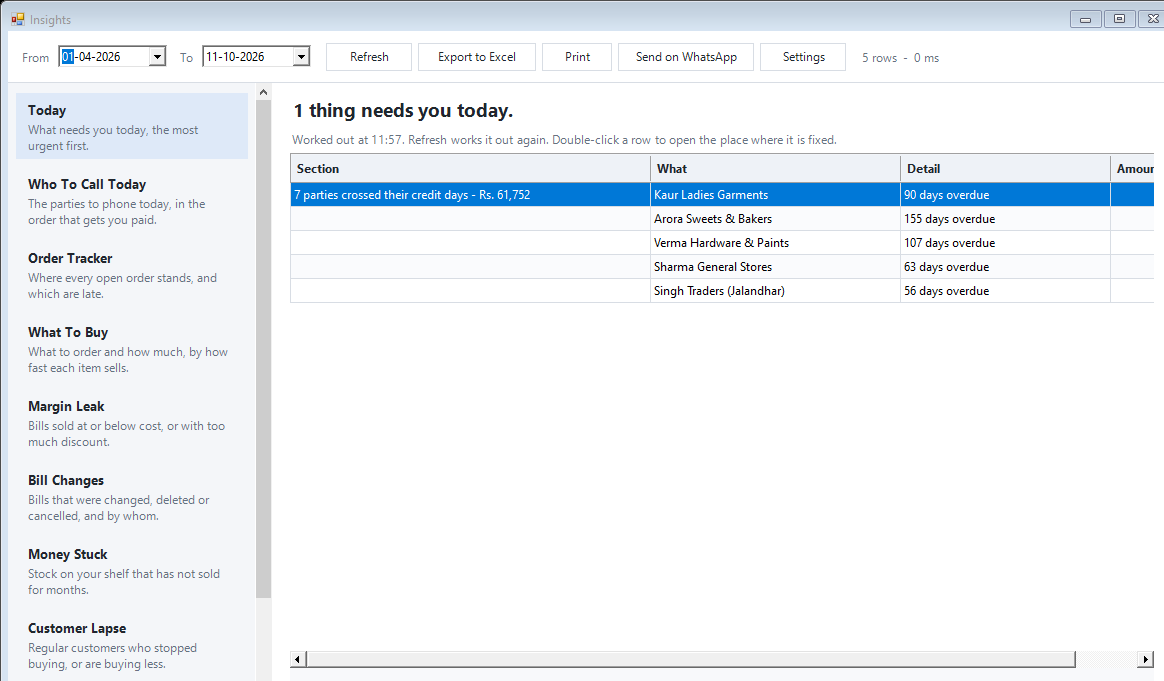
Today business insights
Know which issue deserves your attention first.
Read the guide →See it with a sample from your business.
Bring a sample bill or item list. We’ll show you the steps and answer your questions.