Keep the restaurant floor understandable.
Organise tables and sections in the supported restaurant workflow. Staff should know which table an order belongs to before sending it onward.
Table and section
Active order and service status
Coordinated floor and bill reference
See the screens behind the workflow.
Real screens from the Speed Plus 9 manual. Open any image to inspect the details.
 View full size ↗
02Take the floor with you on the phone+
 View full size ↗
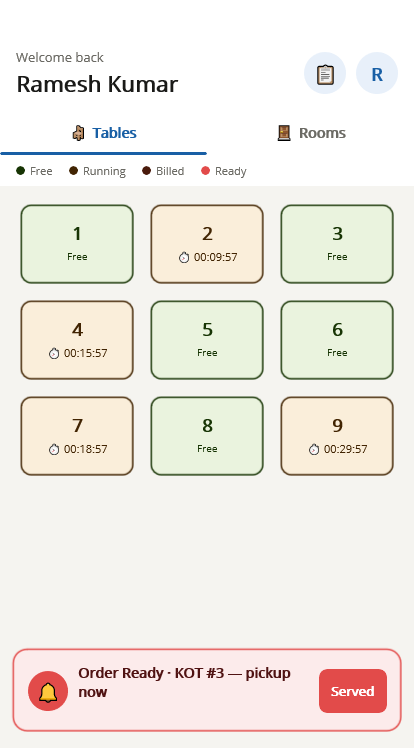
The phone and desktop use different floor views.
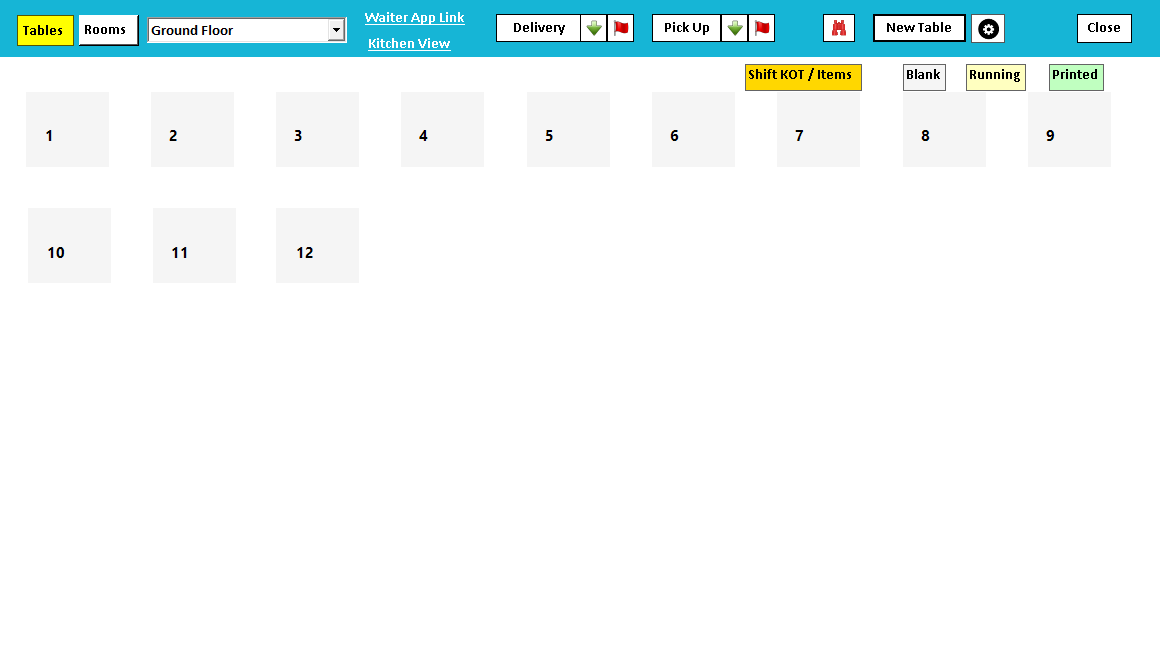
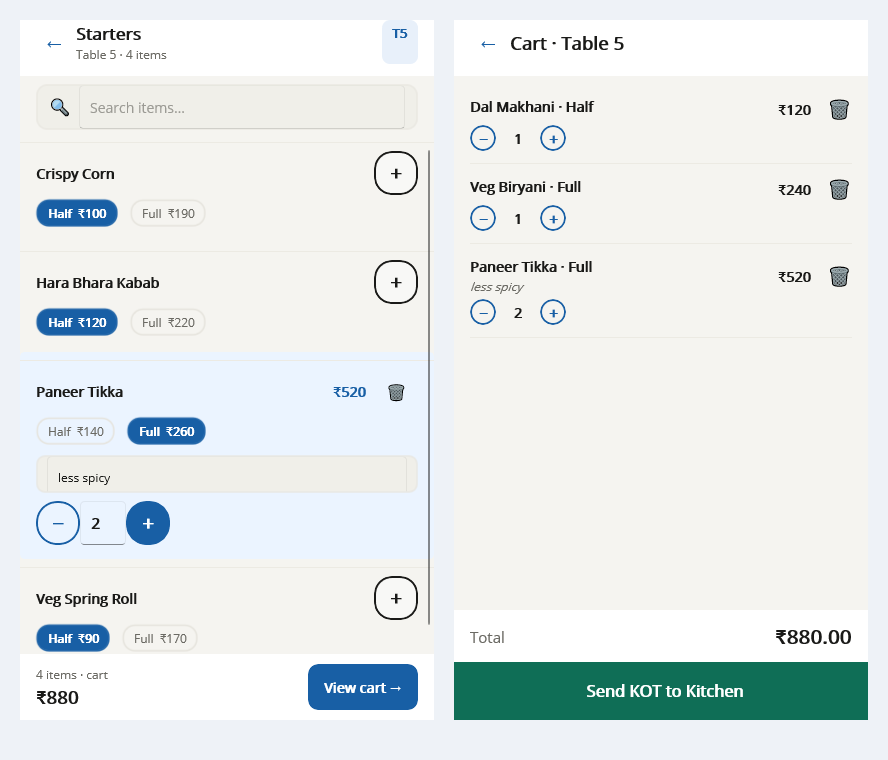
Desktop Food Service shows table buttons and Blank, Running and Printed keys. Tablio presents the floor on the waiter’s phone. Identify which interface staff are using and follow the same sample table through order entry and settlement, rather than assuming every status label is identical.
The floor view gives each order a physical home.
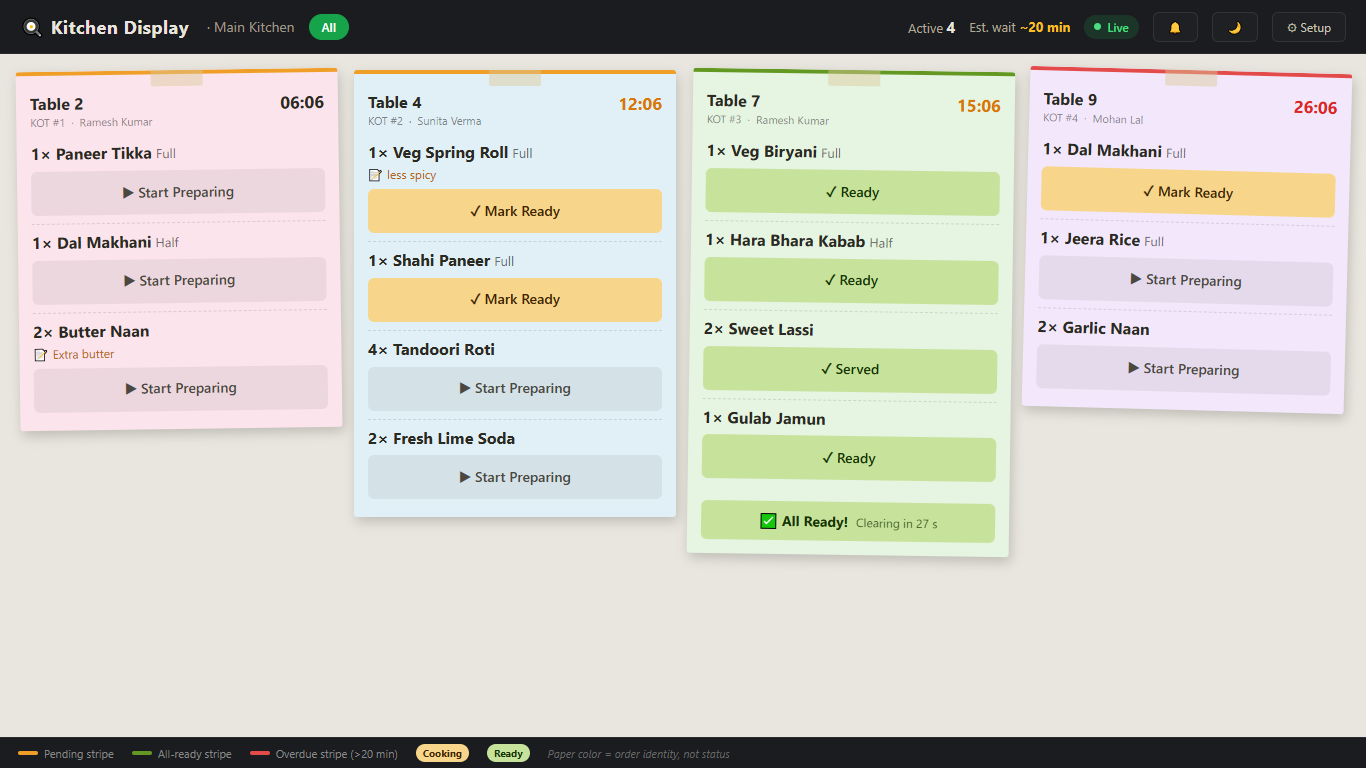
Table management connects a restaurant order with where guests are being served. Clear table and section names help the floor team, kitchen and cashier refer to the same service location. That context matters when guests move or several groups are served at once.
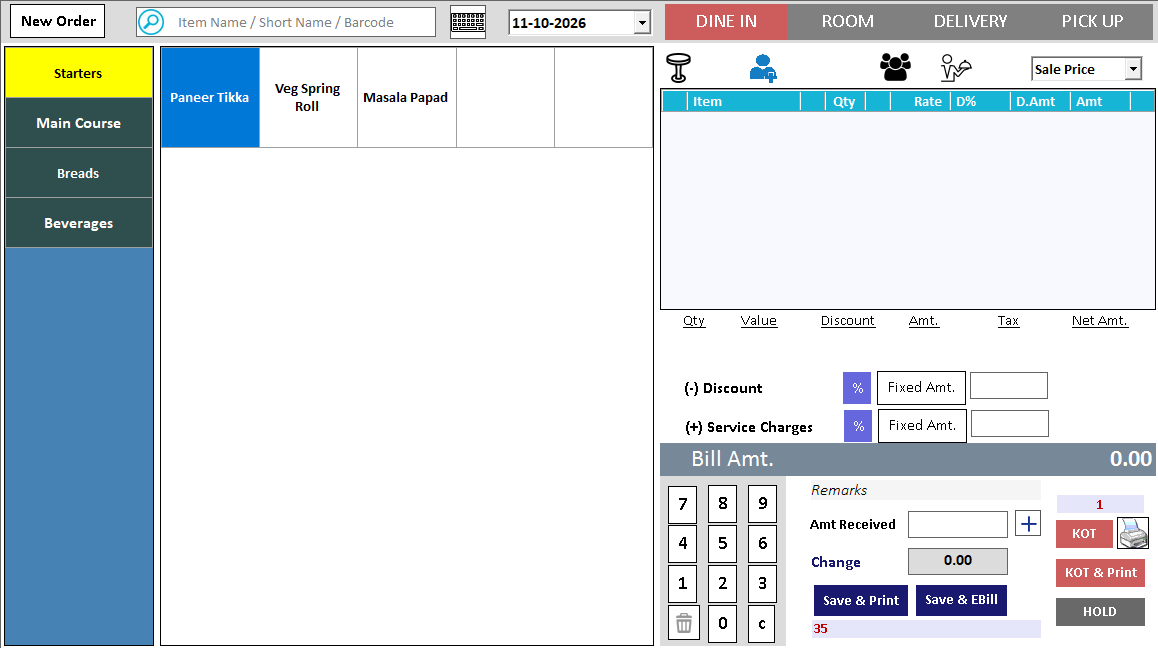
Prepare your sections and tables, open an order at the correct location and review its status during service. Demonstrate supported transfer and merge actions with active orders. Check where existing items and later additions appear after the change so the kitchen and counter remain aligned.
How to use it.
Keep the restaurant floor understandable.
- 01
Configure tables and sections
- 02
Open the correct table for the order
- 03
Review the supported transfer or merge operation when needed
What this looks like in your business.
A party moves to another table during service. Staff check the active order before using the supported move workflow.
Good questions.
Clear answers.
Choose the workflow that fits your business and confirm its setup in a demonstration.
Is merging tables the same as splitting payment?
No. Table or order merging changes how service records are grouped. Splitting payment divides settlement between methods. Demonstrate the specific table, bill and payment actions your restaurant needs.
What setup should I confirm?
Confirm table states and transfer rules in the restaurant product and version being installed.
Take an order from table to payment
Follow the service journey across the table, kitchen and billing counter.
- 01Restaurant table managementYou are here
- 02Restaurant menu variantsRead guide →
- 03Restaurant KOTRead guide →
- 04Kitchen displayRead guide →
- 05Restaurant billing and paymentsRead guide →
What else can help?
See it with a sample from your business.
Bring a sample bill or item list. We’ll show you the steps and answer your questions.