Use messages for the right customer update.
Connect the supported SMS service for relevant business communication. Confirm recipient details and the appropriate configured template or message.
Relevant business event
Reviewed text and recipient
Configured SMS delivery
A short message needs a precise purpose.
SMS can provide a compact business update through a supported messaging connection. The useful content is usually a clear reference and action, not an entire invoice compressed into a text message. Recipient accuracy is especially important because the message reaches a phone number directly.
Confirm the supported sender setup, templates and service requirements. Review the recipient and text before sending, and check the available delivery response. Keep the underlying invoice, receipt or customer record as the authoritative detail behind the notification.
How to use it.
Use messages for the right customer update.
- 01
Configure the supported SMS provider
- 02
Review the customer number and message
- 03
Send a test to an authorised recipient before rollout
What this looks like in your business.
A service desk uses the supported message workflow to share a useful update with a customer.
Good questions.
Clear answers.
Choose the workflow that fits your business and confirm its setup in a demonstration.
Can an SMS replace the invoice?
A short notification should point the customer to the relevant bill or contact. It is not a substitute for the complete transaction document and should not be treated as proof that a payment was received.
What setup should I confirm?
Provider credits, sender/template requirements and delivery status must be checked with the selected service.
What else can help?
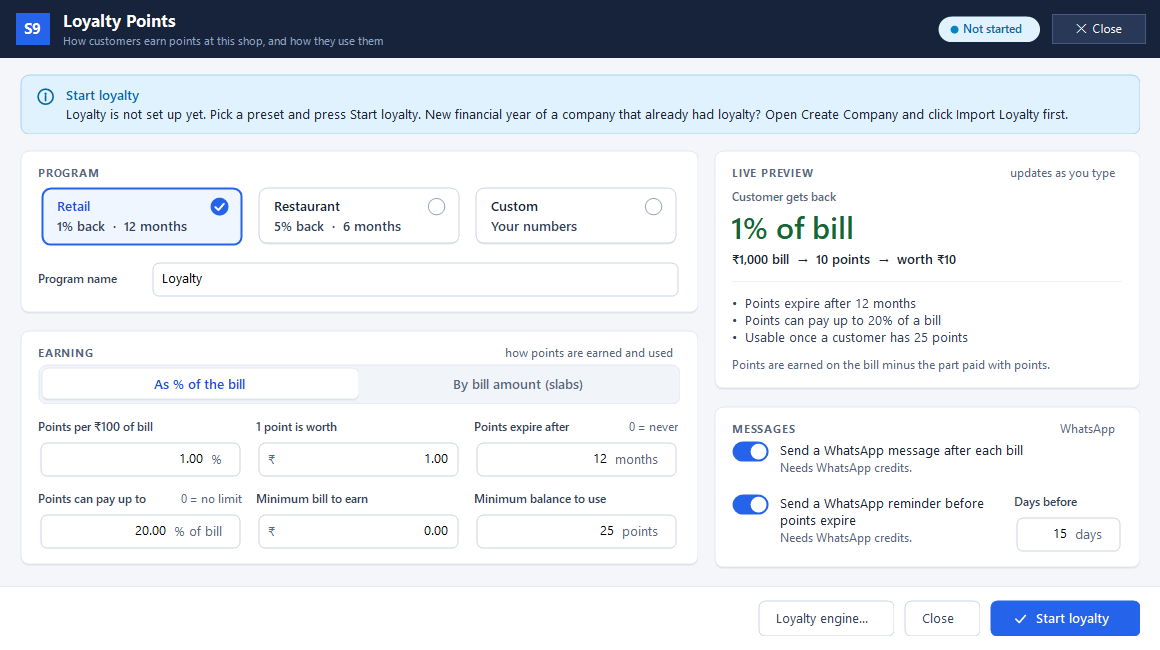
Loyalty points
Reward customers when they buy again.
Read the guide →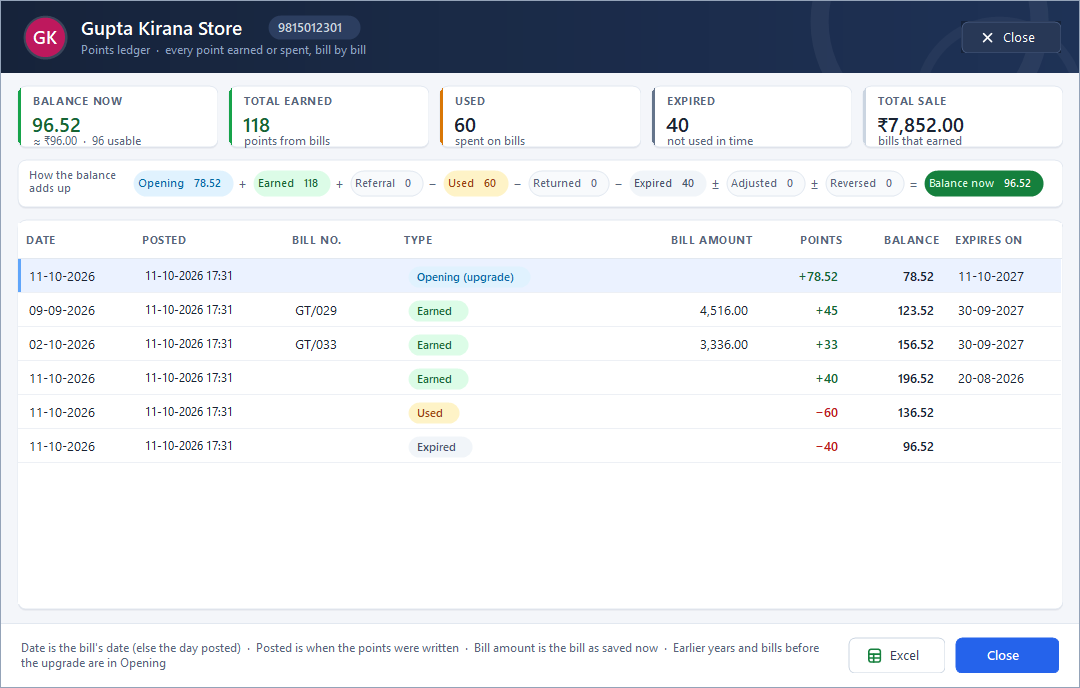
Customer points ledger
Show where a customer’s points came from.
Read the guide →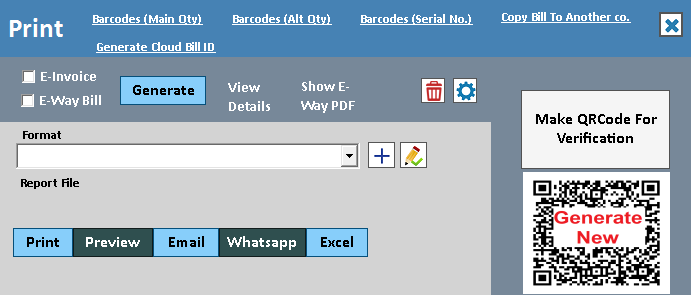
WhatsApp invoice sharing
Put a useful invoice in the customer's chat.
Read the guide →See it with a sample from your business.
Bring a sample bill or item list. We’ll show you the steps and answer your questions.