Send a bill to the inbox the customer uses.
Use the configured email workflow to share a document with a verified recipient. Review the invoice and email address before sending.
Checked document
Recipient and email configuration
Shared business reference
See the screens behind the workflow.
Real screens from the Speed Plus 9 manual. Open any image to inspect the details.
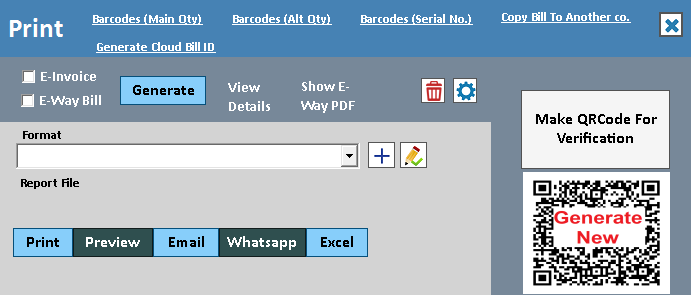 View full size ↗
Email sharing should preserve the document and its context.
An emailed bill or report is useful when the recipient can identify the business, purpose and attachment. The document should be generated from the correct saved record, with the relevant company and period, before it is passed to the configured email workflow.
Check the address, subject and attachment, then use the supported sending setup. For a report, state its period and any filters so the recipient understands what the figures represent. Retain the document reference for a later resend or query.
How to use it.
Send a bill to the inbox the customer uses.
- 01
Configure the supported email account
- 02
Choose the document and confirm the recipient
- 03
Send and check the available result
What this looks like in your business.
A business customer asks for an invoice copy at its accounts email address.
Good questions.
Clear answers.
Choose the workflow that fits your business and confirm its setup in a demonstration.
How is emailing an invoice different from an email backup?
An invoice is a readable transaction document. A backup is data intended for recovery and requires a separate backup-and-restore process. One cannot substitute for the other.
What setup should I confirm?
Email delivery depends on provider settings, credentials and spam filtering. A send attempt does not guarantee inbox delivery.
What else can help?
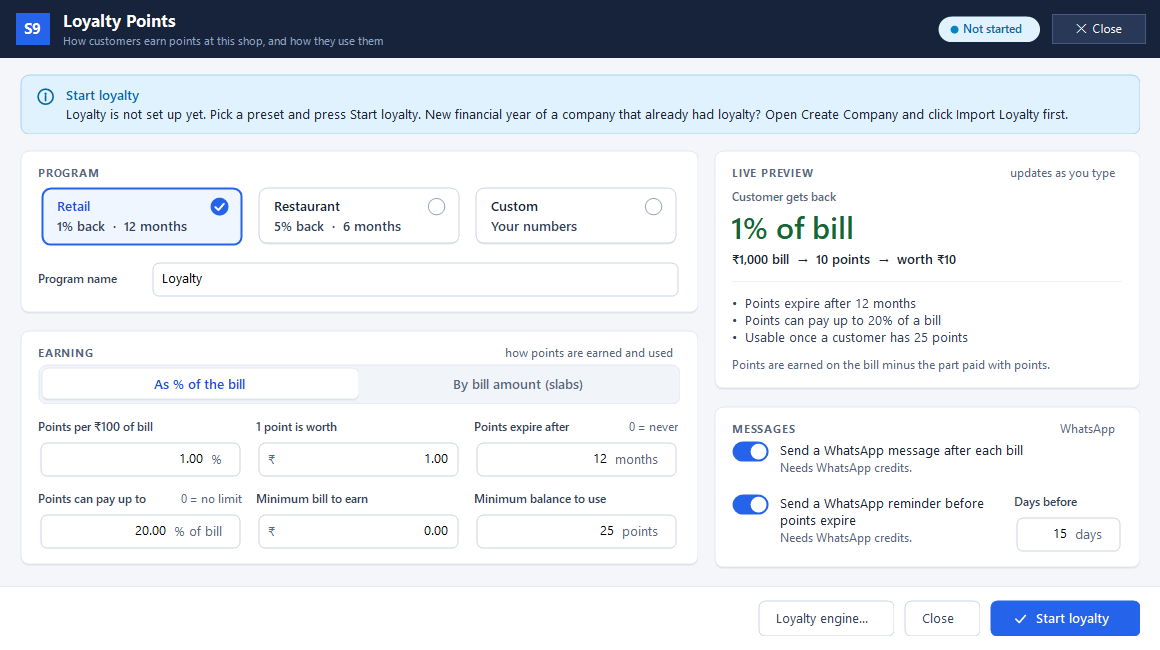
Loyalty points
Reward customers when they buy again.
Read the guide →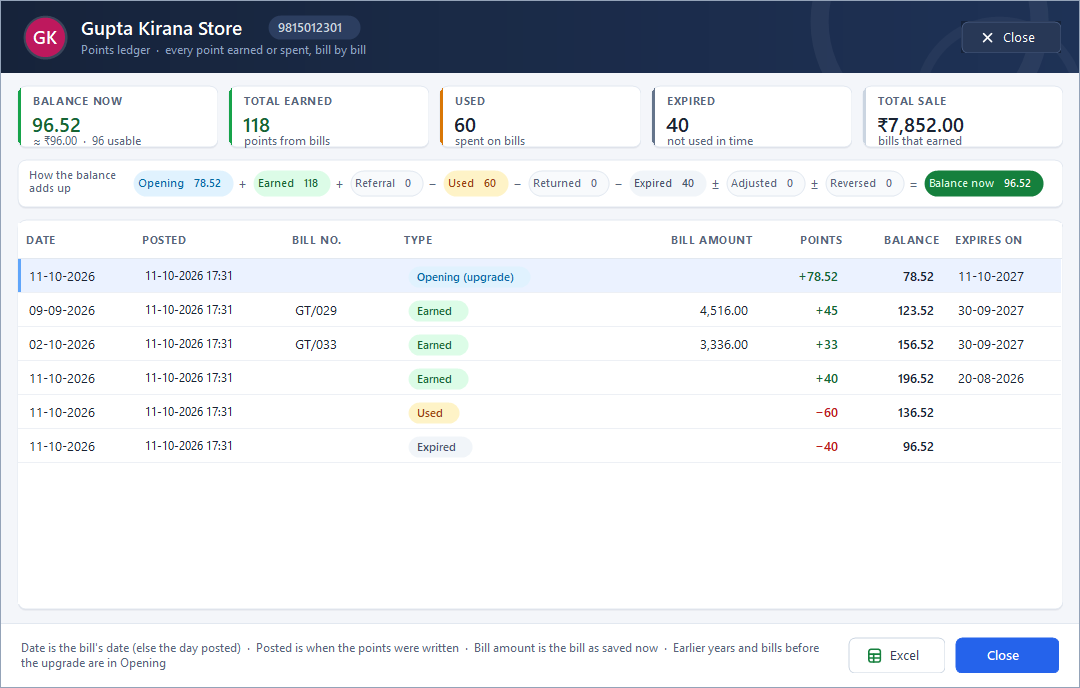
Customer points ledger
Show where a customer’s points came from.
Read the guide →WhatsApp invoice sharing
Put a useful invoice in the customer's chat.
Read the guide →See it with a sample from your business.
Bring a sample bill or item list. We’ll show you the steps and answer your questions.