Record the movement from materials to output.
Use supported production entries to account for material consumption and finished output. Prepare units and item records before entering the transaction.
Materials consumed
Production entry and subitem details
Finished stock and movement review
See the screens behind the workflow.
Real screens from the Speed Plus 9 manual. Open any image to inspect the details.
 View full size ↗
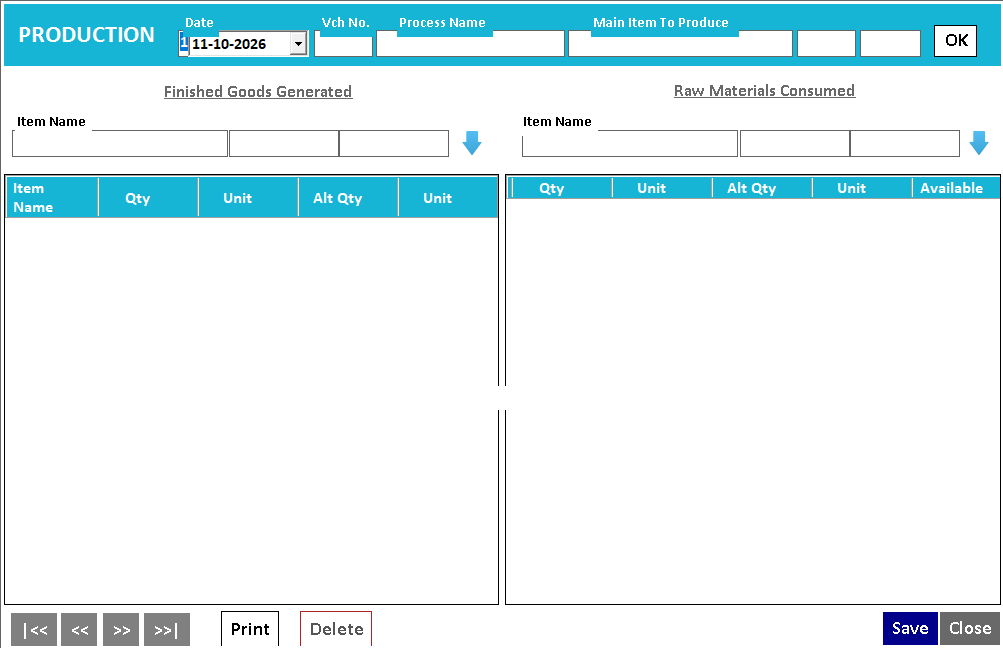
Inputs and finished goods sit on opposite sides of the entry.
The production screen places Finished Goods Generated on the left and Raw Materials Consumed on the right. This makes the transformation explicit. The manual capture shows the entry layout without a completed job; test your own quantities and review the resulting stock before rollout.
Production explains how inputs become a different stock item.
Production records the consumption of materials and the creation of finished output. It is useful when the business makes or assembles goods rather than simply buying and reselling the same item. Input and output quantities have different meanings and need appropriate units.
Enable the supported production workflow, identify the consumed items and enter the finished output. Use the documented subitem details, such as lot, batch, article, size or colour, where applicable. Review the source and finished-stock movements after saving and compare them with the actual job.
How to use it.
Record the movement from materials to output.
- 01
Set up input and output items with correct units
- 02
Enter consumption and production quantities
- 03
Review the resulting stock movement
What this looks like in your business.
A small manufacturer records materials used to produce a batch of finished goods.
See the workflow in action.
Speed Plus 9.0. Now Manage Production with Subitems Like Lot No / Batch / Article / Size / Color etc
SolverTeam tutorial for this topic. Screens and options can vary by installed version.
Open on YouTube ↗Good questions.
Clear answers.
Choose the workflow that fits your business and confirm its setup in a demonstration.
Is production the same as transferring stock between godowns?
No. A transfer changes where an existing item is held. Production describes inputs being consumed and output being created, potentially as a different item or variant. The records should reflect that transformation.
What setup should I confirm?
Confirm the supported production model, wastage and costing treatment for your process in a demonstration.
What else can help?
Quotations and estimates
Give customers a clear price before they buy.
Read the guide →IMEI and serial tracking
Follow the individual device, not just the model.
Read the guide →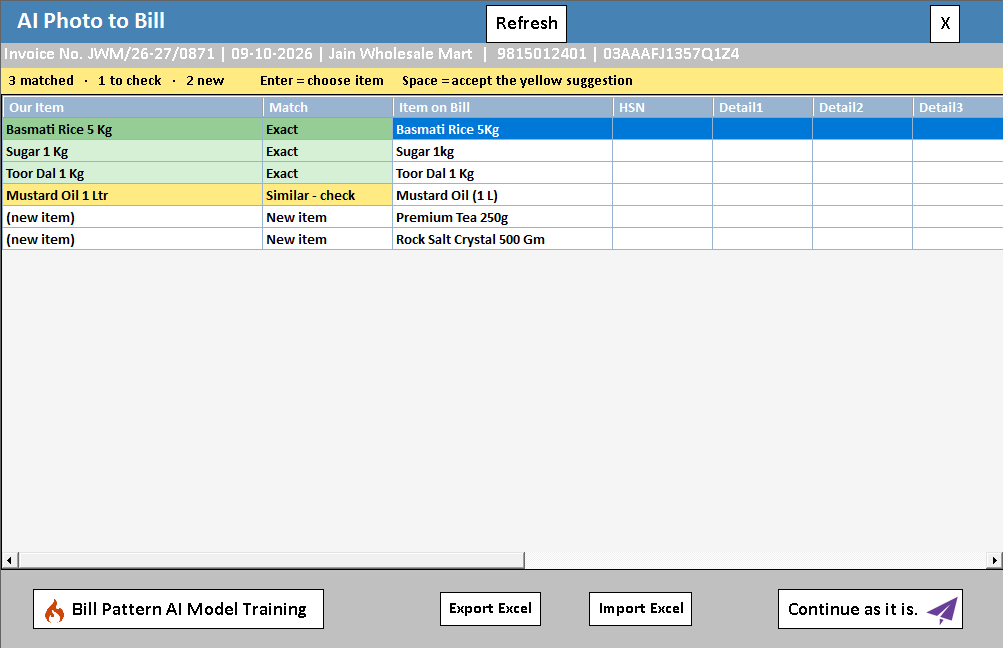
AI photo bill import
Read a supplier bill from a photo or PDF.
Read the guide →See it with a sample from your business.
Bring a sample bill or item list. We’ll show you the steps and answer your questions.