Change a price list with deliberate control.
Review selected items and batches, then apply a percentage increase or reduction to the intended price fields.
Back up and filter the intended items
Choose increase or reduction and the exact price fields
Apply once, then inspect representative results
Where this fits in your working day.
The Speed Plus 9 manual describes this workflow in section 36.8. Review selected items and batches, then apply a percentage increase or reduction to the intended price fields.
Change a price list with deliberate control.
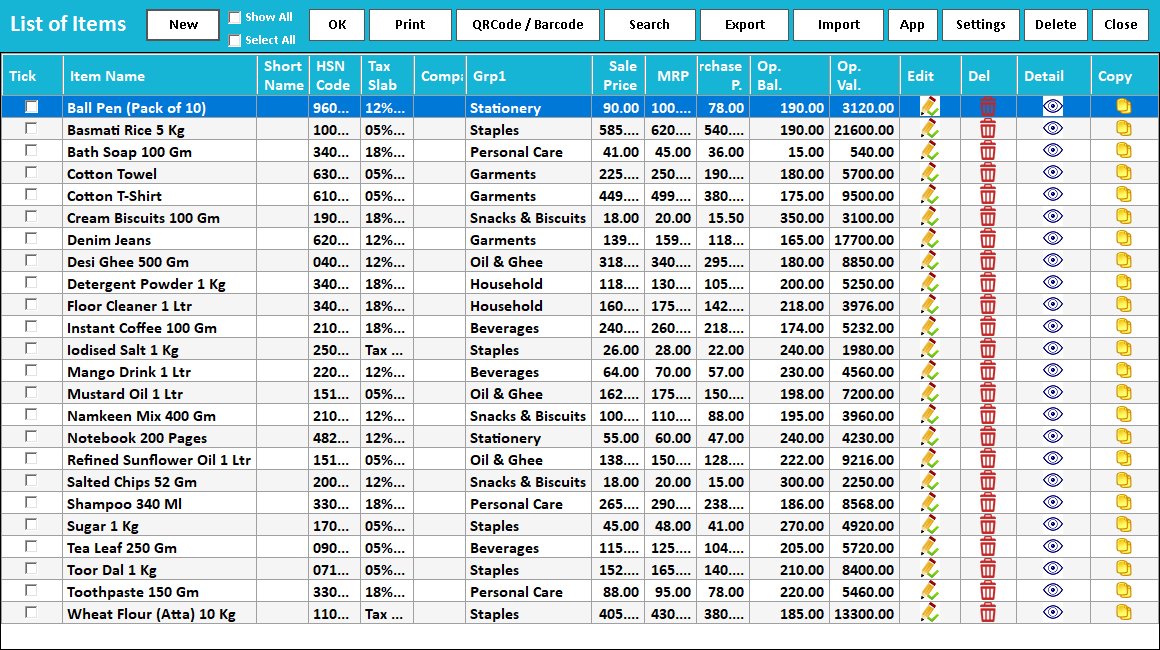
A supplier revision or new price policy can affect many items. Help → Price Alteration Tool lets the operator filter the grid, select records, choose a percentage and decide whether Sale Price, MRP or Purchase Price should change.
Take a backup before using the tool. Inspect the current values, selection and direction of change. Selecting a price field is part of the decision: changing purchase price is different from changing the customer’s sale rate. Review representative records after Proceed.
How to use it.
Change a price list with deliberate control.
- 01
Back up and filter the intended items
- 02
Choose increase or reduction and the exact price fields
- 03
Apply once, then inspect representative results
What this looks like in your business.
A 5% increase on a sample sale price of ₹200 gives ₹210. That example does not imply changing MRP or purchase price; those fields should remain unselected unless the change is intended.
Good questions.
Clear answers.
Choose the workflow that fits your business and confirm its setup in a demonstration.
Is this the same as Price Watch?
No. Price Alteration applies the percentage you choose. Price Watch uses purchase-history changes to support a separate review of suggested sale rates.
What setup should I confirm?
This is a bulk data change. Check the direction, selected rows and fields carefully, and avoid repeating the same percentage change by mistake.
What else can help?
See it with a sample from your business.
Bring a sample bill or item list. We’ll show you the steps and answer your questions.