Keep an eye on business activity from Telegram.
Connect the supported Telegram notification workflow to review relevant business updates on your phone. Configure the destination and events that matter to you.
Selected report or activity
Configured bot delivery
Owner review on phone
Send a useful update to the people responsible for it.
Telegram integration can bring configured business reports or activity updates to an owner’s phone. Its value is access to a relevant record without waiting to return to the desk. The destination, included information and delivery timing need deliberate setup.
Configure the supported bot and destination, choose the report or activity workflow and send a test. Compare the delivered content with the source report and its period. For scheduled delivery, check the computer or service, connection and schedule that must be running.
How to use it.
Keep an eye on business activity from Telegram.
- 01
Set up the supported bot/chat connection
- 02
Choose the available event settings
- 03
Trigger a sample transaction and check the notification
What this looks like in your business.
An owner wants to see selected transaction updates while away from the counter.
See the workflow in action.
Speed Plus 9.0 + Telegram Bot: Now keep track of all activities FREE OF COST in ERP Software
SolverTeam tutorial for this topic. Screens and options can vary by installed version.
Open on YouTube ↗Good questions.
Clear answers.
Choose the workflow that fits your business and confirm its setup in a demonstration.
Will Telegram show every action in every module?
Only the supported, configured updates should be expected. Ask the team to demonstrate the specific report or activity you need, its timing and the information included rather than assuming complete coverage.
What setup should I confirm?
Notifications depend on connectivity and configured events. They are not a substitute for complete reports or an audit trail.
What else can help?
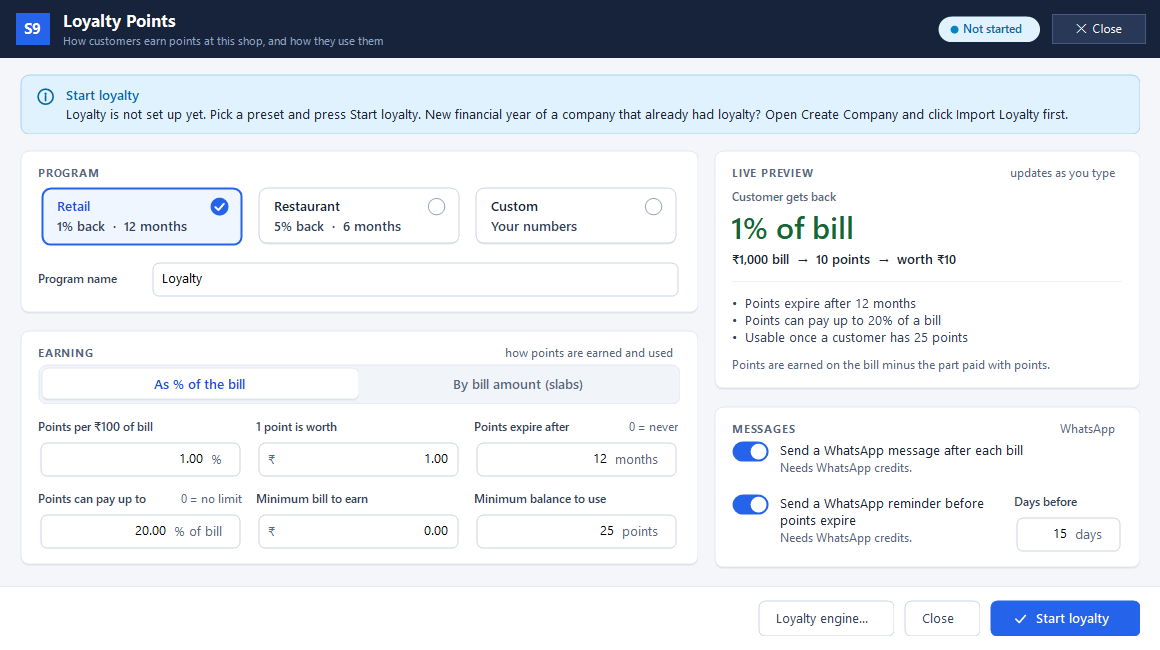
Loyalty points
Reward customers when they buy again.
Read the guide →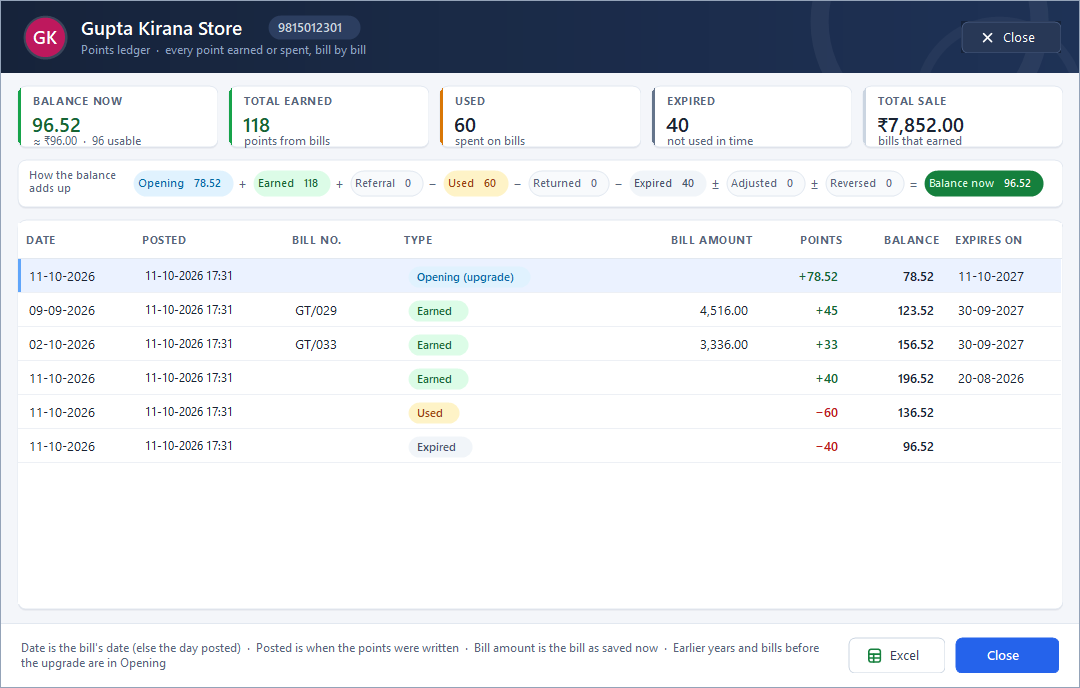
Customer points ledger
Show where a customer’s points came from.
Read the guide →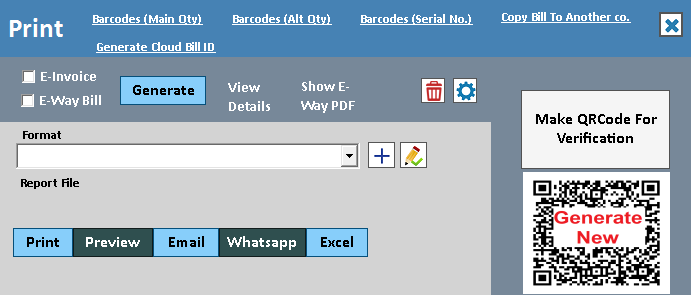
WhatsApp invoice sharing
Put a useful invoice in the customer's chat.
Read the guide →See it with a sample from your business.
Bring a sample bill or item list. We’ll show you the steps and answer your questions.